MacBook Pro’s PROLED XDR Display Could Make It an iPad Pro User’s Next Computer
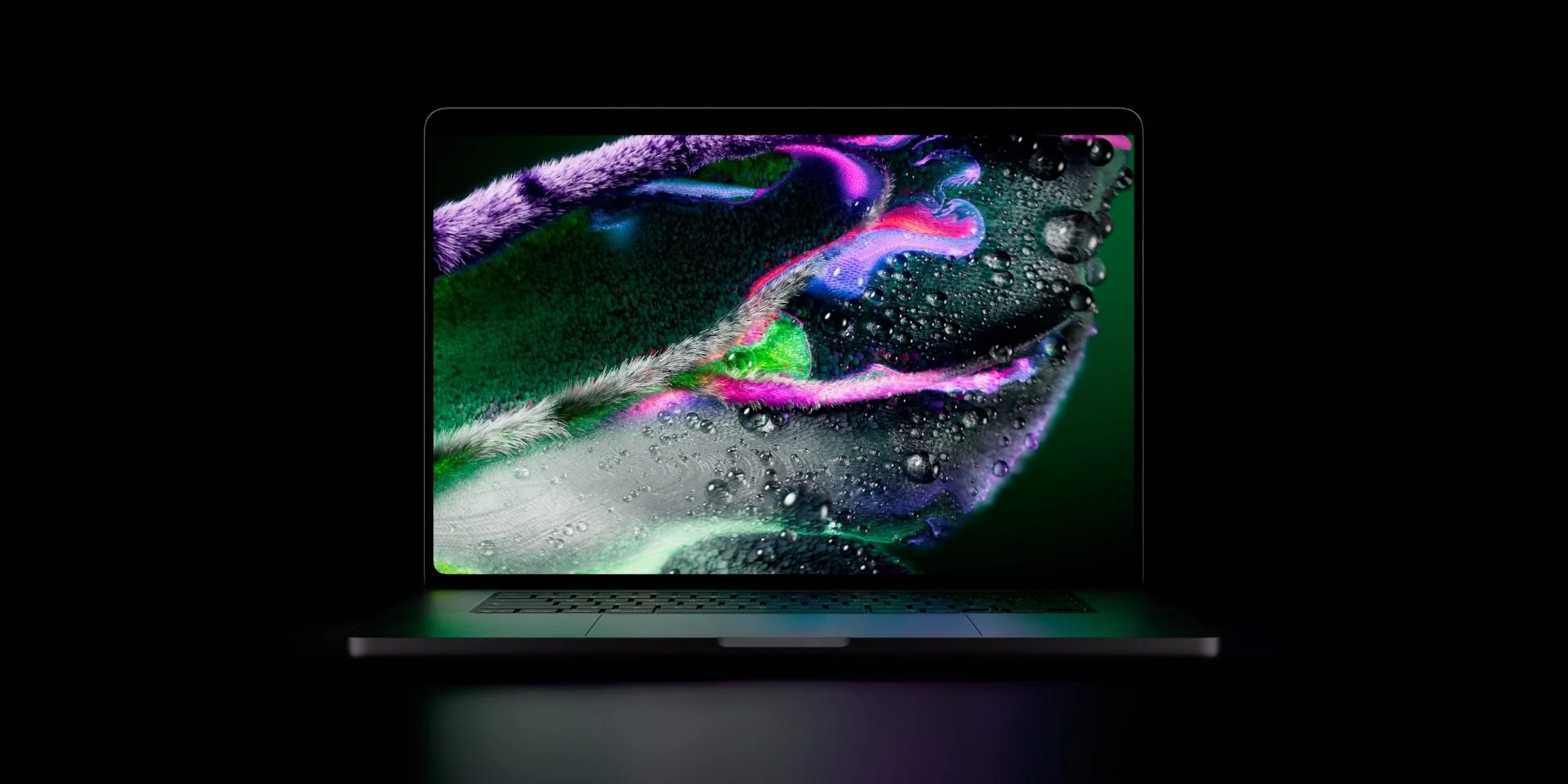
Apple’s new MacBook Pro with PROLED XDR could persuade a longtime iPad Pro user to switch back to Mac. Its display and touch support address two features I’ve come to expect from my main computer. The missing piece is a built-in cellular connection.
A Mac that could replace my iPad Pro
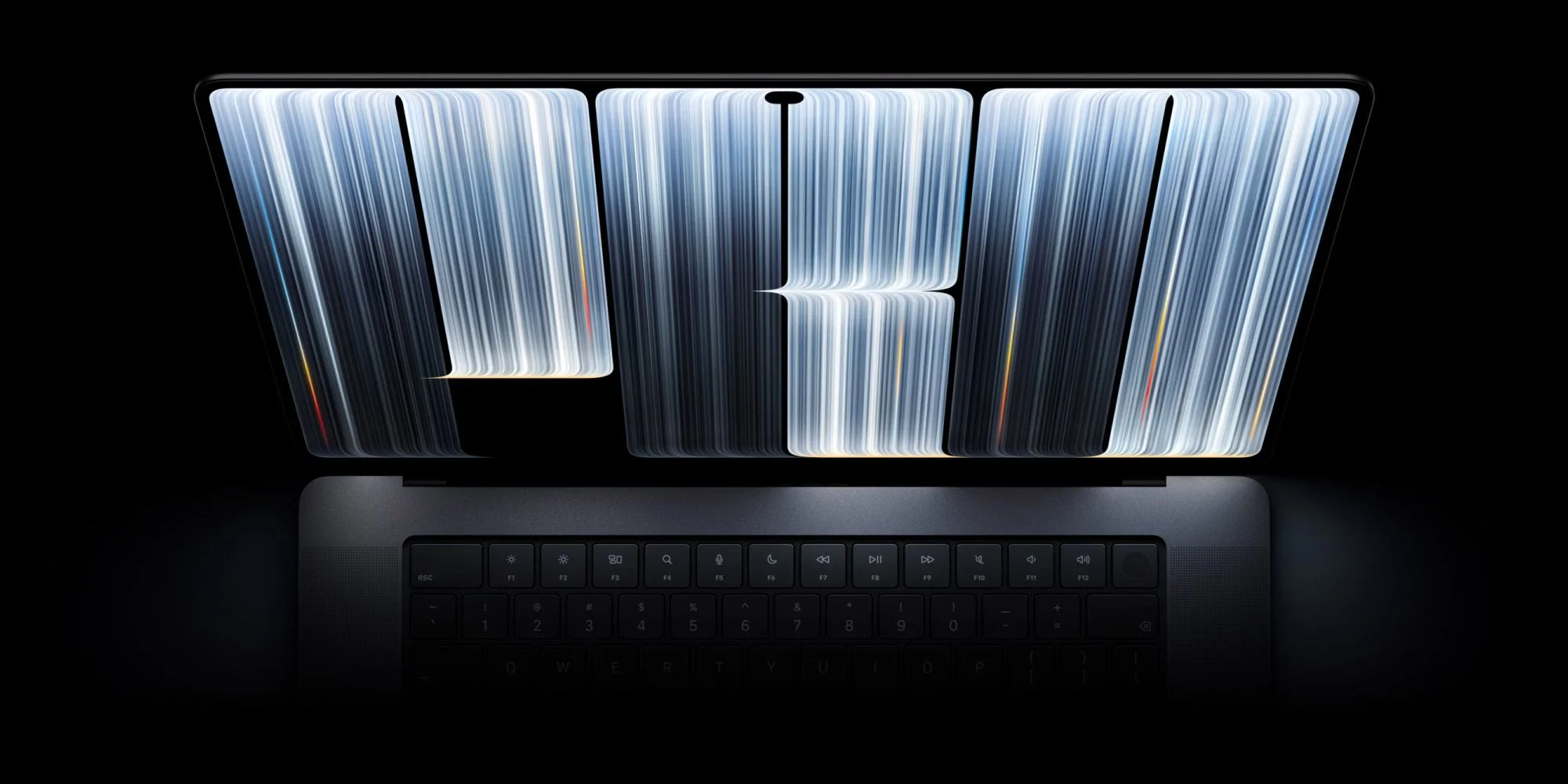
The iPad Pro has been my primary computer since 2015. That’s a long time to build habits around a tablet: choosing apps designed for touch, carrying a device that can be used in more than one posture, and treating a keyboard as an accessory rather than the center of the setup. Lately, though, I’ve been considering a return to the Mac. Apple’s laptops and software have moved on considerably, and this MacBook Pro looks like a particularly compelling reason to make the change.
My work doesn’t call for a top-tier chip. What matters more is a great screen, touch input, and software features that make everyday use feel current. That distinction matters because a laptop’s appeal isn’t just about the most demanding tasks it can run; it’s also about whether the screen and controls suit the ordinary hours spent reading, writing, and moving between apps. As someone accustomed to the iPad Pro’s thin design and OLED display, I’ve often found Apple’s newest consumer-facing hardware features arriving on iPhone and iPad before Mac.
This model shifts that equation. PROLED XDR and touch support bring familiar iPad strengths to a laptop, while recent macOS changes have made the Mac feel more connected to the software direction of iOS and iPadOS. That doesn’t mean the two platforms have become interchangeable: a touchscreen laptop still has to work as a laptop, and a familiar feature can feel different when it’s paired with a keyboard, trackpad, and desktop software. I’ve ordered one and plan to give it a real chance as my full-time computer.
Cellular remains the missing feature
My hesitation comes down to how I work. I spend several hours most days in coffee shops or outdoors, and public Wi-Fi isn’t dependable enough for me. A cellular iPad keeps me connected without asking me to find a network or set up a workaround. That convenience can seem small when you’re at home or in an office, but it changes the experience when your workday moves between places.
I wish Apple offered the same option on MacBook Pro. A phone hotspot might fill the gap, and Apple says its N1 wireless chip improves that feature. I’ll need to see whether it holds up in the places I work. A hotspot also adds a step: the phone has to be nearby, connected, and ready to share data when the laptop needs it. For some people that’s an easy routine; for me, it’s a compromise I’ll notice.
A tablet-sized iPhone Duo could offer another fallback if it arrives as I expect. It might be enough for a quick task when I’m away from Wi-Fi, though that’s not the same as having cellular built into the laptop. A secondary device can help with a short reply or a check-in, but it doesn’t remove the friction of relying on another device for the main computer’s connection.
Even with that gap, the MacBook Pro looks like a strong fit for what I want from a computer. The high price is a factor, and the machine won’t suit every workflow, but the display and touch features make this a meaningful test of whether I’m ready to leave the iPad as my primary device. The numbers here are underwhelming on one basic point: the laptop still depends on a separate connection when I’m away from Wi-Fi.
What this switch will test
Here’s the thing: the appeal of this MacBook Pro isn’t that it makes the iPad obsolete. It’s that it brings together laptop software and hardware traits I’ve valued on the iPad, while asking whether touch input belongs in my everyday Mac routine. One product announcement can’t answer that. The answer will come from daily use, including the less glamorous moments when I’m trying to get online or work somewhere without reliable Wi-Fi.
This is more significant than it looks for anyone who has chosen an iPad because the Mac seemed to lack the right screen or interaction model. If you’re working in this space, the practical question is whether adding touch to a laptop changes how you use it enough to justify the price and the platform switch. A feature list can make the two devices appear closer; the routines built around them may still be quite different.
(And this is the part most people overlook) connectivity isn’t just a specification when a computer travels with you. It affects whether you can start working immediately, and whether a device that seems right on paper fits the places you actually use it. I’ll be watching that as closely as the display.
A real test. That’s what this purchase represents: not proof that Mac is now the better choice for every iPad user, but a chance to see whether Apple’s latest hardware closes enough of the gap for one longtime tablet user. The cellular omission may prove manageable, or it may keep the iPad in the lead. I don’t know yet, and that uncertainty is part of the review.



Top comment by Manatee57
Liked by 17 peopleI’m very surprised that they didn’t include cellular. They can fit it in an Apple Watch, so why not a laptop computer? I think more buyers would want it than not want it. And given the price of the machine, nobody’s going to not buy it because it has a cellular modem that they’re not going to use.
I’ll stick with my MacBook Air and 13" iPad Pro.