M6 MacBook Pro Adds Faster Processing and Wi-Fi 7 at the Same $1,999 Price
The M6 14-inch MacBook Pro updates the entry-level model with a newer chip and faster wireless connections, while keeping the same design, starting memory, battery life and $1,999 price. For professionals weighing a purchase, the practical choice will often come down to the price and storage of an M5 deal versus the M6’s added performance headroom.
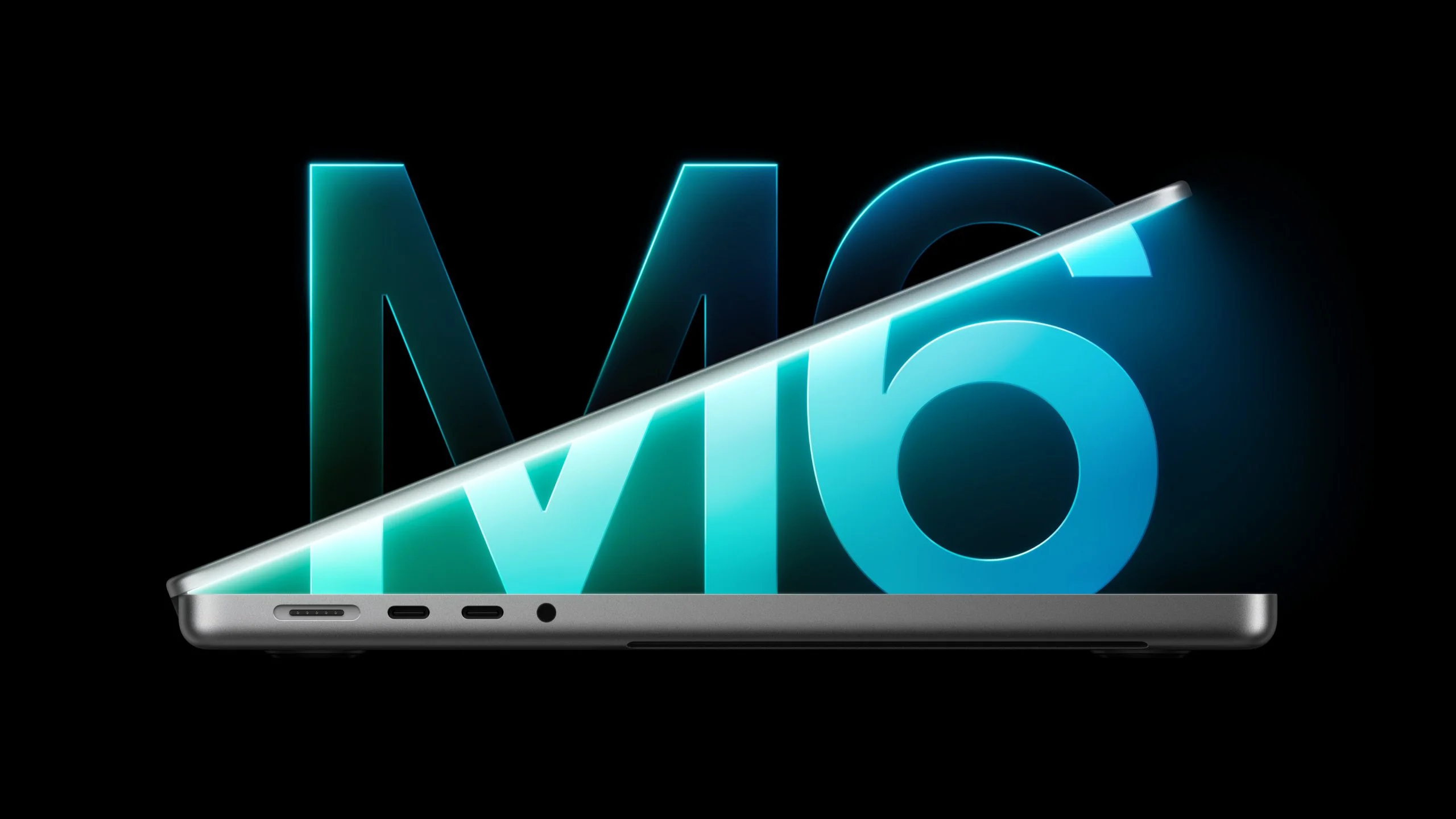
Apple introduced the M6 model as the replacement for the entry-level 14-inch MacBook Pro. Both generations start with 16GB of memory and 1TB of storage, and Apple rates each for up to 24 hours of battery life. The M6 keeps the familiar chassis and ports, so the main changes sit inside the machine.
More cores, a new manufacturing process
The M6 is built on TSMC’s first-generation 2nm process, replacing the M5’s third-generation 3nm N3P design. Its CPU grows from 10 cores to 12, arranged as two super cores, four performance cores and six efficiency cores. The M5 has four super cores and six efficiency cores, so the M6 changes the mix as well as adding cores.
Graphics also gain two cores: the M6 has a 12-core GPU, compared with 10 cores in the M5. Both chips include a Neural Accelerator in every GPU core. Apple lists an updated shader architecture and third-generation Dynamic Caching for the M6, alongside a dual 16-core Neural Engine, up from a single 16-core Neural Engine in the M5.
Memory bandwidth depends on configuration. The M6 delivers 153GB/s with 16GB of memory and 170GB/s with 24GB or 32GB. The M5 provides 153GB/s across its memory configurations. The entry-level M6 still starts at 16GB, so buyers looking for more base memory won’t find that change here.
Wireless and display changes
The M6 moves from Wi-Fi 6E to Wi-Fi 7 and from Bluetooth 5.3 to Bluetooth 6, using Apple’s N1 wireless networking chip in place of Broadcom hardware. It also adds Thread networking support. For users with compatible networks and devices, these changes modernize connectivity; they don’t alter the MacBook Pro’s basic day-to-day format.
External display support edges up from two 4K screens at 144Hz each on the M5 to two 4K screens at up to 165Hz each on the M6. That higher refresh ceiling may matter in particular workflows, but the overall display capacity remains the same.
What M5 owners should consider
For current M5 owners, the M6 looks like a modest refresh. The extra processing cores and newer wireless standards are useful upgrades, but Apple hasn’t increased starting memory, added ports or extended battery life. If an M5 already meets your workload, there’s little practical pressure to replace it.
Waiting may make sense for owners whose machines can last longer: a redesigned entry-level MacBook Pro with an M7 chip is reportedly planned for as early as the first half of 2027. That reported model could bring a more substantial change than the M6 update.
Choosing between M5 and M6
For buyers replacing an Intel Mac or an older Apple silicon machine, the M5 and M6 share the features that define the experience. At comparable prices and configurations, the M6 is the easy pick: it brings a newer chip and more current wireless standards without a higher starting price.
That price needs context. The M5 launched at $1,599 with 512GB of storage. Apple made 1TB standard in March, raising the starting price to $1,699, then raised it to $1,999 in June amid higher memory and storage costs. Apple has now discontinued the M5, and the M6 starts at $1,999.
Discounted, used and refurbished M5 models can still offer better value, especially if you find the original 512GB configuration and don’t need 1TB of internal storage. My read: buy the M6 when comparable systems cost about the same; choose an M5 when the savings are meaningful and its memory and storage suit your work.


