M6 iMac Adds Faster Graphics, Wi-Fi 7 and High-Refresh Display Support
The M6 iMac’s strongest case is for people who push their desktop: Apple says it can deliver up to twice the graphics performance for photo editing and gaming, while its new display support reaches refresh rates the M4 can’t handle. For everyday household use, though, the M4 remains capable, and the familiar display, camera, speakers and design make this a measured upgrade rather than a fresh iMac experience.
Apple’s iMac skips the M5 and moves from the M4, released in 2024, to the M6 in 2026. The new model starts at $1,499 in the United States; the four-port version starts at $1,699. That entry price is $200 above the M4’s original $1,299 launch price, though the outgoing model had already increased to $1,499 earlier in 2026.
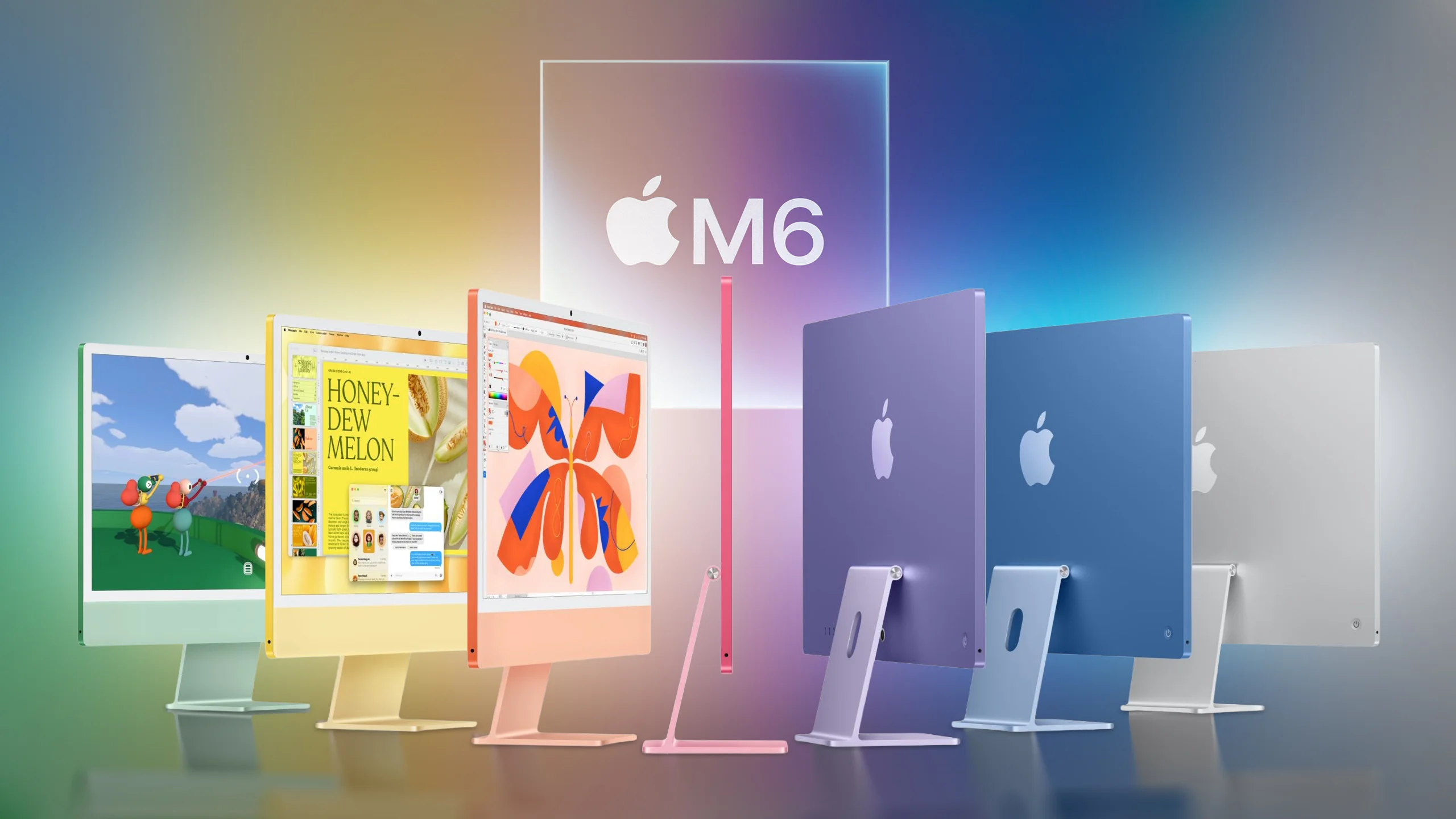
Where the M6 pulls ahead
The chip changes reach beyond a higher core count. The M4 uses TSMC’s second-generation 3nm process and FinFET transistors; the M6 moves to TSMC’s first-generation 2nm process and gate-all-around nanosheet transistors. Apple also adds a third CPU core type, “super” cores, alongside performance and efficiency cores.
| iMac (M4, 2024) | iMac (M6, 2026) |
|---|---|
| M4 chip on TSMC’s second-generation 3nm process (N3E) | M6 chip on TSMC’s first-generation 2nm process (N2) |
| FinFET transistors | Gate-all-around nanosheet transistors |
| Two-port model: 8-core CPU, with 4 performance and 4 efficiency cores Four-port model: 10-core CPU, with 4 performance and 6 efficiency cores |
Two-port model: 10-core CPU, with 2 super, 3 performance and 5 efficiency cores Four-port model: 12-core CPU, with 2 super, 4 performance and 6 efficiency cores |
| Two CPU core types: performance and efficiency | Three CPU core types: super, performance and efficiency |
| Two-port model: 8-core GPU Four-port model: 10-core GPU |
Two-port model: 10-core GPU Four-port model: 12-core GPU |
| GPU shader cores without dedicated Neural Accelerators | Dedicated Neural Accelerator in every GPU core |
| First-generation Dynamic Caching | Updated Dynamic Caching |
| Second-generation hardware-accelerated ray tracing | Hardware-accelerated ray tracing; Apple claims up to 2x higher gaming performance than M4 |
| One 16-core Neural Engine | Two 16-core Neural Engines, which system frameworks can use simultaneously |
| 120GB/s unified memory bandwidth | Up to 170GB/s unified memory bandwidth |
| SSD storage | SSD storage with PCIe 5.0 support and up to 2x faster read and write performance |
| Broadcom wireless networking chip | Apple N1 wireless networking chip |
| Wi-Fi 6E (802.11ax), Bluetooth 5.3 | Wi-Fi 7 (802.11be), Bluetooth 6 and Thread networking |
| Two-port model: Optional Gigabit Ethernet Four-port model: Gigabit Ethernet standard |
Two-port model: Optional 2.5Gb Ethernet Four-port model: 2.5Gb Ethernet standard |
| Two-port model: One external display up to 6K at 60Hz Four-port model: Two displays up to 6K at 60Hz, or one up to 8K at 60Hz |
Two-port model: One external display up to 6K at 60Hz or 4K at 165Hz Four-port model: Two displays up to 6K at 60Hz or 4K at 165Hz; one display up to 8K at 60Hz, 5K at 120Hz or 4K at 240Hz; two displays over one Thunderbolt port |
| 100% recycled gold plating and tin solder in multiple printed circuit boards | 100% recycled gold plating and tin solder in all Apple-designed printed circuit boards |
| Over 20% of manufacturing electricity from low-carbon sources | 40% of manufacturing electricity from renewable sources |
Apple’s own workflow comparisons point to the biggest practical gains: up to 1.5x faster performance in Microsoft Excel, up to 2x faster graphics for photo editing in Affinity, up to 5x faster prompt processing in LM Studio, and up to 2x higher gaming performance with ray tracing. These are company claims, and the results apply to the named tasks rather than every workload.
Should M4 owners upgrade?
For most M4 owners, the answer looks like no. Browsing, email, video calls and streaming already fit comfortably within the older iMac’s capabilities. The M6’s extra CPU and GPU headroom will matter more to people who regularly edit photos, run demanding apps, process prompts locally or play games with ray tracing.
The connectivity changes are useful in the right setup: Wi-Fi 7, Bluetooth 6, Thread, faster Ethernet and expanded external-display options. But a faster network chip only helps if the rest of the home or office network can use it. The same screen and overall hardware experience also limit how much an M4 owner will notice during routine use.
Choosing between M4 and M6
For a new family computer, the M6 is the more capable option when comparable configurations are close in price. Its faster storage, expanded display support and additional processing capacity leave more room for demanding work and gaming as needs change.
A substantially discounted M4 still makes sense for households focused on everyday tasks. The savings may matter more than the M6’s performance ceiling when the computer will mainly handle web browsing, messaging and media. The practical dividing line is workload: demanding creative or graphics tasks favor the M6, while routine family use gives the M4 a longer useful runway.
This article, "M4 vs. M6 iMac Buyer's Guide: Should You Upgrade?" first appeared on MacRumors.com
Discuss this article in our forums ===


