MacBook Pro Desk Setup: Keyboards, Thunderbolt 5 Storage and Essential Accessories
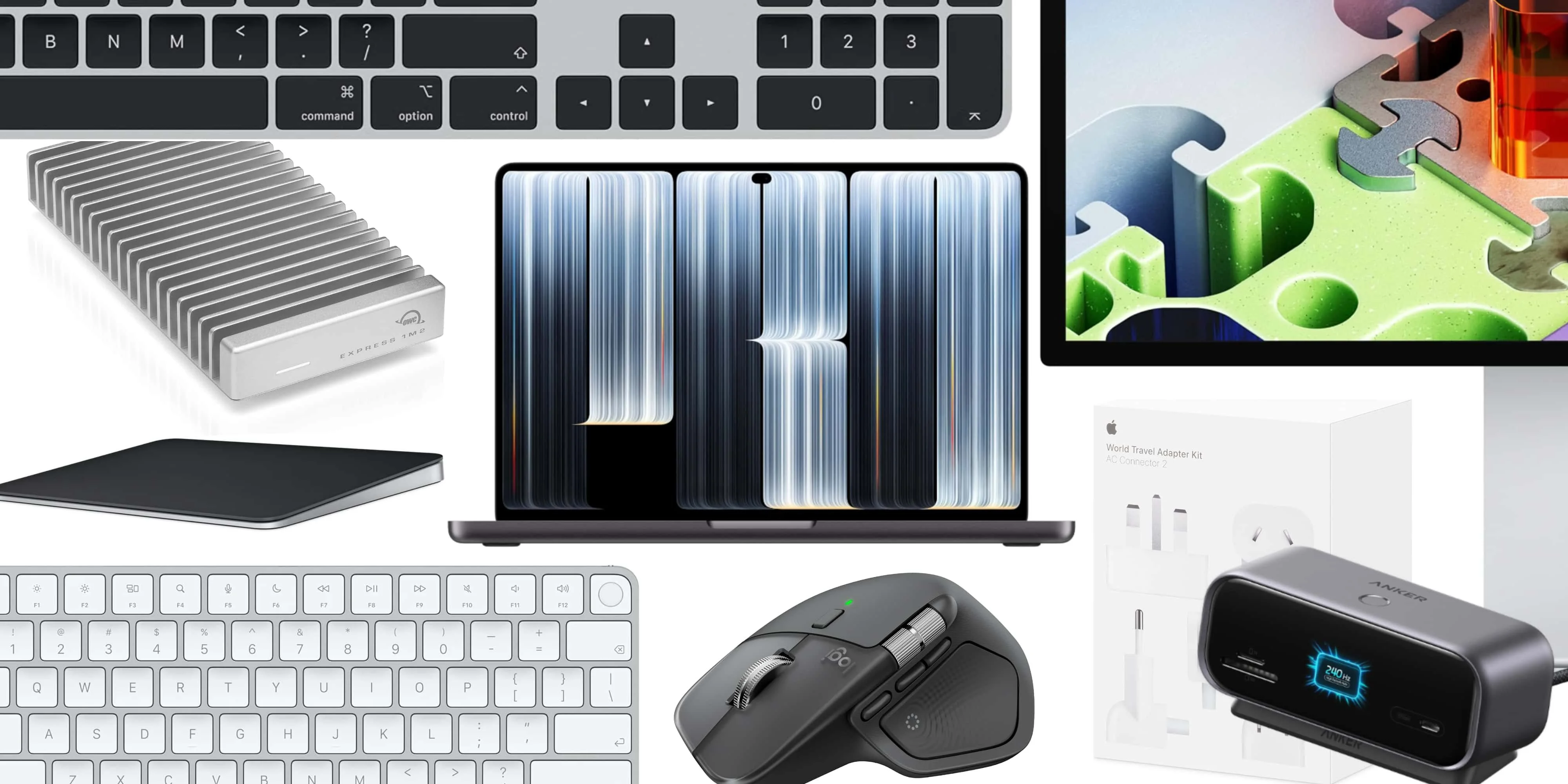
A MacBook Pro becomes a different kind of machine when it spends most of its time on a desk. The right accessories can make docking, storage and everyday input feel consistent, while keeping the laptop easy to take back on the road. With the M6 MacBook and touch display PROLED XDR now available, these picks focus on practical ways to build that setup.
The essentials span Apple’s Magic Keyboard and Trackpad, Logitech’s MX Master 4, a compact USB-C hub, laptop stands and fast external storage. Charging gear and a $9 polishing cloth round out the list. The best combination depends on whether your priority is a cleaner desk, more ports, or room for large creative files.
Input gear for a docked MacBook
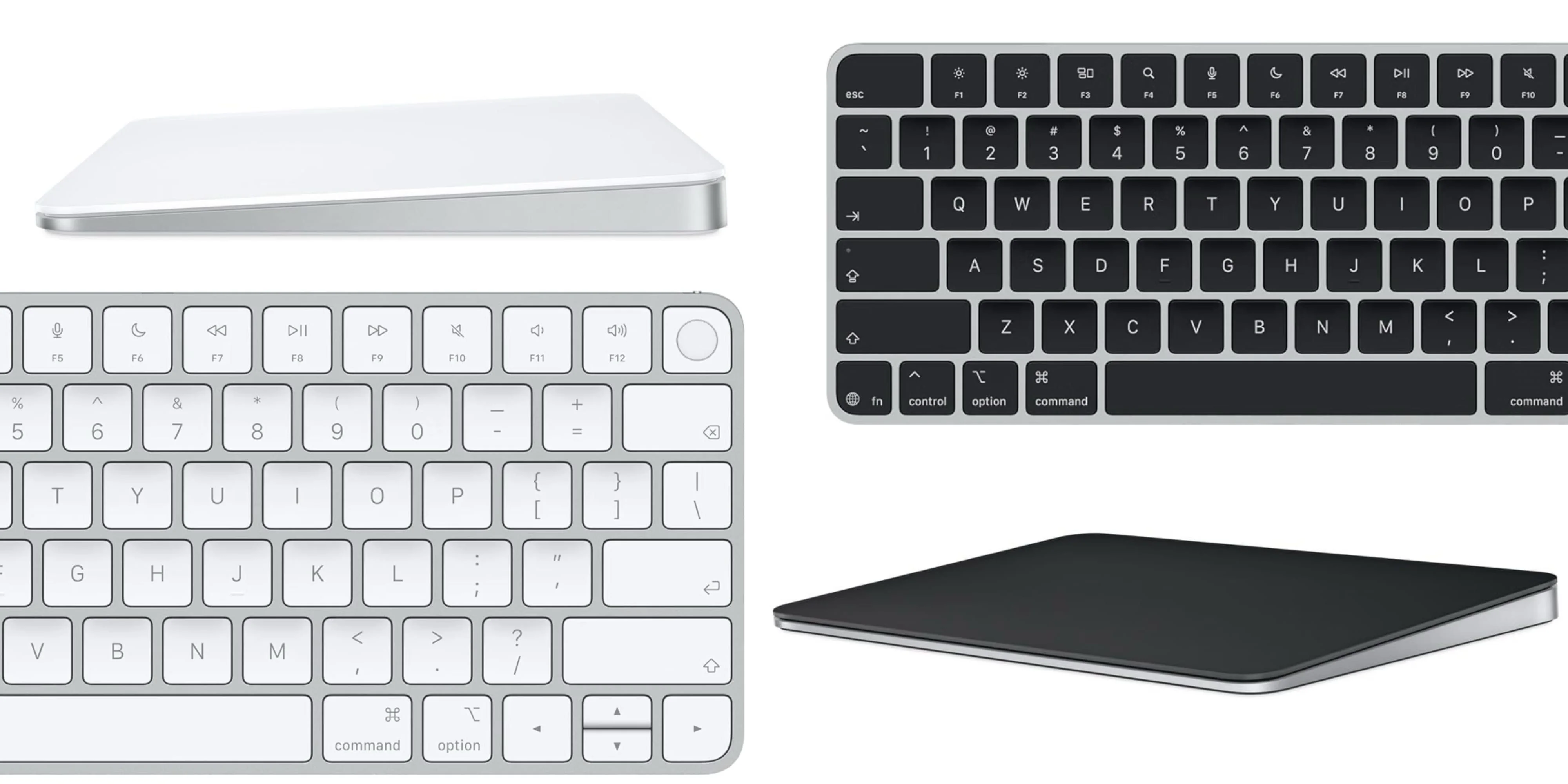
For someone who regularly moves between a desk and mobile work, Apple’s Magic Keyboard and Magic Trackpad offer familiar controls in both settings. One setup pairs them with a Logitech MX Master mouse, but the keyboard and trackpad alone make a straightforward desktop combination.
- Magic Keyboard (all-time low)
- Magic Keyboard with Numeric Keypad
- Magic Keyboard with Touch ID
- Magic Keyboard with Touch ID and Numeric Keypad
- Magic Trackpad
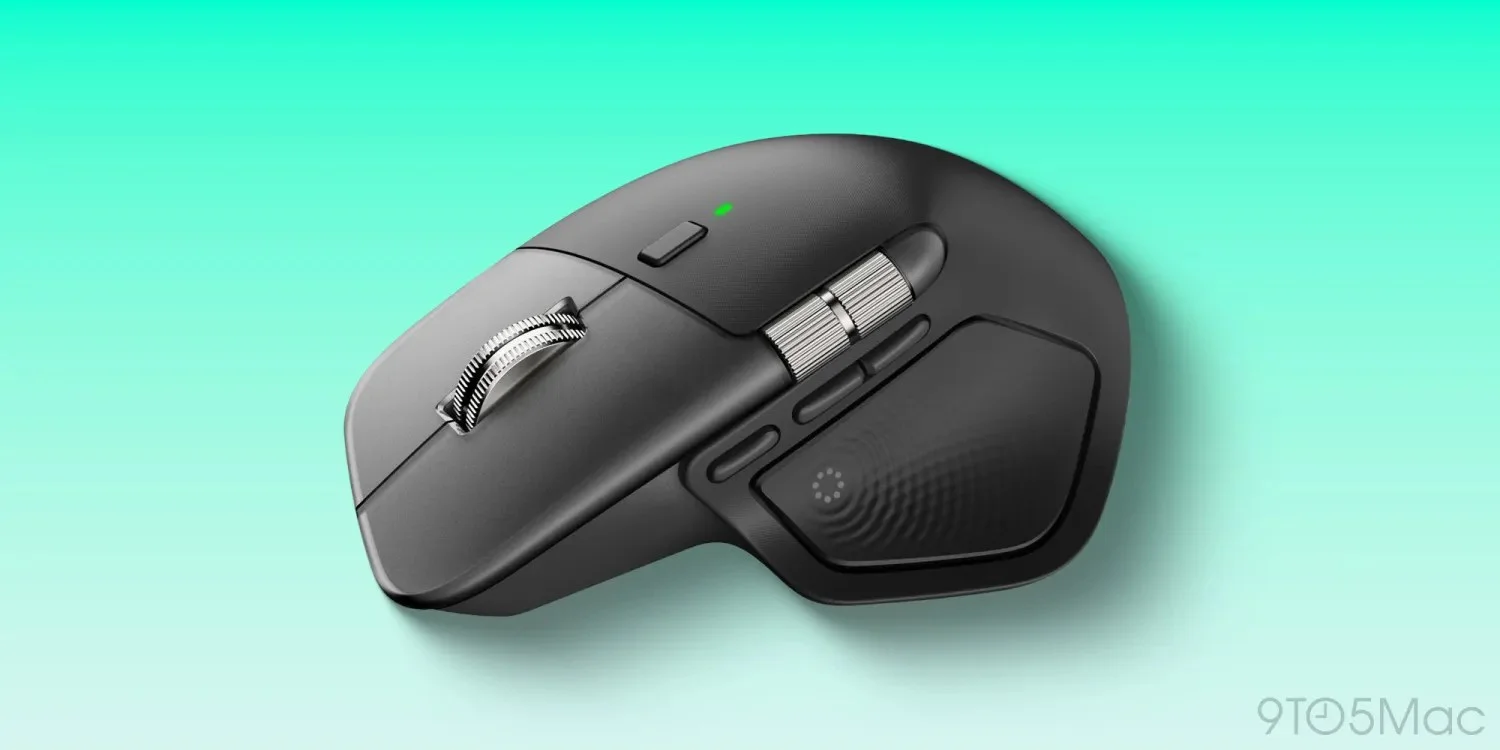
Mouse users may prefer the Logitech MX Master 4. It combines an ergonomic shape and programmable controls with a gesture area and side scroll wheel. Compared with the MX Master 3 and 3S, the newer model adds haptic feedback, a third mappable button and a revised feel.
Ports, power and a cleaner desk
Anker’s Nano 10-in-1 Smart Display hub brings extra connectivity and a small built-in screen that reports transfer speeds and charging status. Its compact footprint makes it suited to a desk where the MacBook is part of a larger workstation, especially when external displays and peripherals are in the mix.
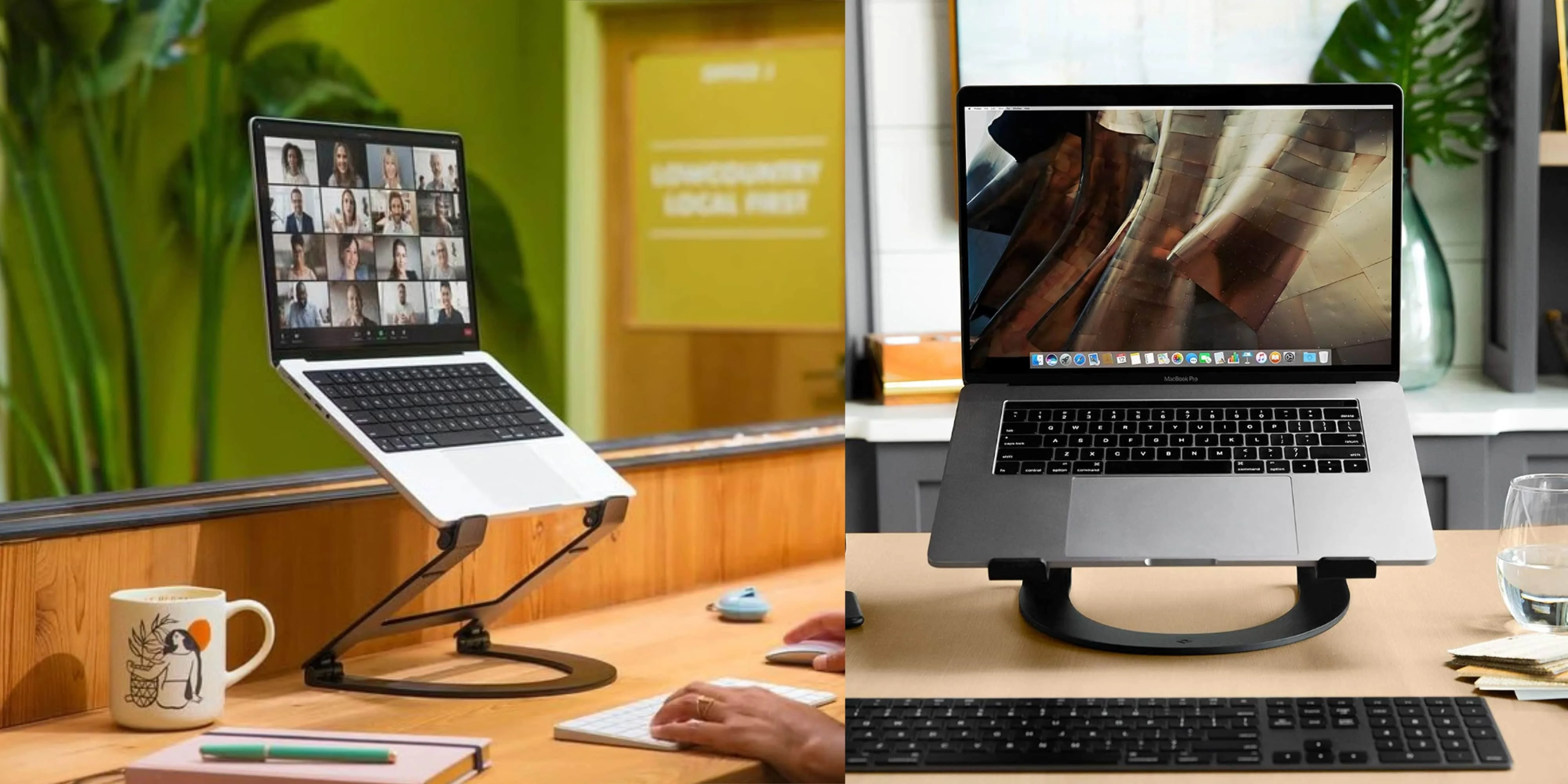
A height-adjustable stand can lift the laptop when a separate keyboard and mouse handle input. For a setup that needs more flexibility, Twelve South offers desktop and adjustable options; Nulaxy has lower-cost aluminum models, while HumanCentric makes a vertical stand for stowing a MacBook upright.
- Twelve South Curve black metal MacBook Stand
- Twelve South Curve Flex, Adjustable MacBook Stand
- HumanCentric Vertical MacBook Stand (multiple colors)
- Nulaxy Full Aluminum MacBook Stand (multiple colors)
Apple’s World Travel Adapter Kit costs $39, while its 70W and 140W USB-C power adapters are listed at $59 and $99. The $19 AC Connector 2 extension cable adds reach to an adapter. That mix covers travel, desk placement and higher-power charging needs.
- Apple World Travel Adapter Kit $39
- Apple 70W USB-C Power Adapter $59
- Apple 140W USB-C Power Adapter $99
- Apple AC Connector 2 Power Adapter Extension Cable $19
Fast external storage for large projects
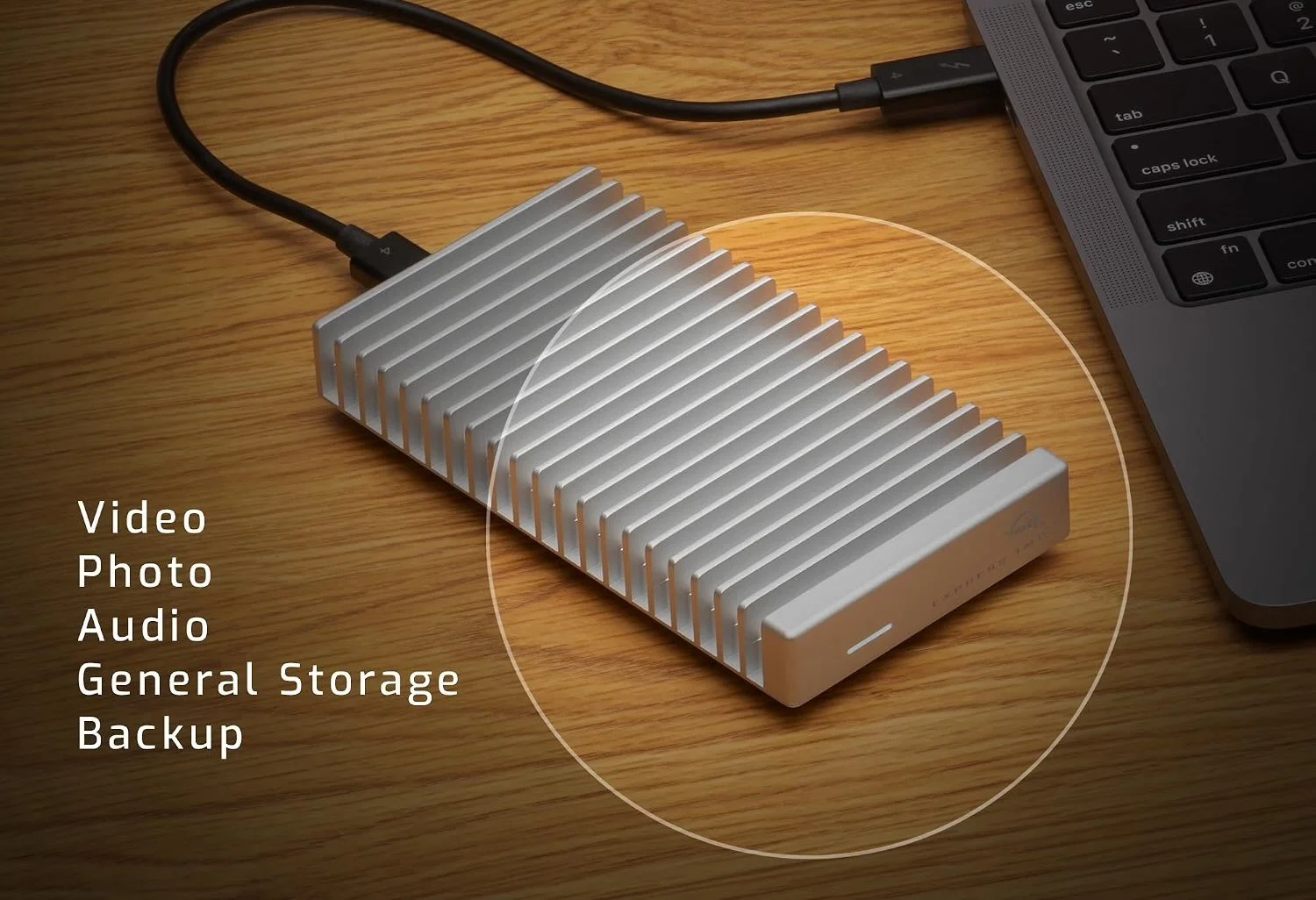
OWC’s Express 1M2 80G is the storage pick for people working with video, photo libraries or backups that would otherwise consume internal space. It retains the aluminum heat-sink design and silent operation associated with the earlier Express 1M2, while adding Thunderbolt 5. OWC advertises speeds above 6,000MB/s.
More gear to consider
For a desk built around a MacBook Pro, a Thunderbolt 5 dock or a larger display may be the next upgrade. Portable power, a protective sleeve and a backpack address the setup beyond the desk.
- Apple 140W USB-C Power Adapter
- Apple Studio Display XDR
- CalDigit TS5 Thunderbolt 5 Dock
- HyperDrive Next Thunderbolt 5 Dock with SSD Enclosure
- Satechi Thunderbolt 5 CubeDock with Built-in NVMe SSD Enclosure
- tomtoc 360 Protective Laptop Sleeve
- Satechi SM1 75% wireless mechanical keyboard
- BenQ MA270U 27-inch 4K monitor with 90W USB-C
- Anker 165W 25,000mAh power bank with built-in USB-C cables
- Bellroy 16-inch laptop backpack
For display care, Apple’s 2026 Polishing Cloth is listed at $9. A well-chosen dock, input devices and storage can turn a MacBook Pro into a capable workstation without making the laptop any less portable.


