Firefox Smart Window Adds AI Form Filling and Website Alerts
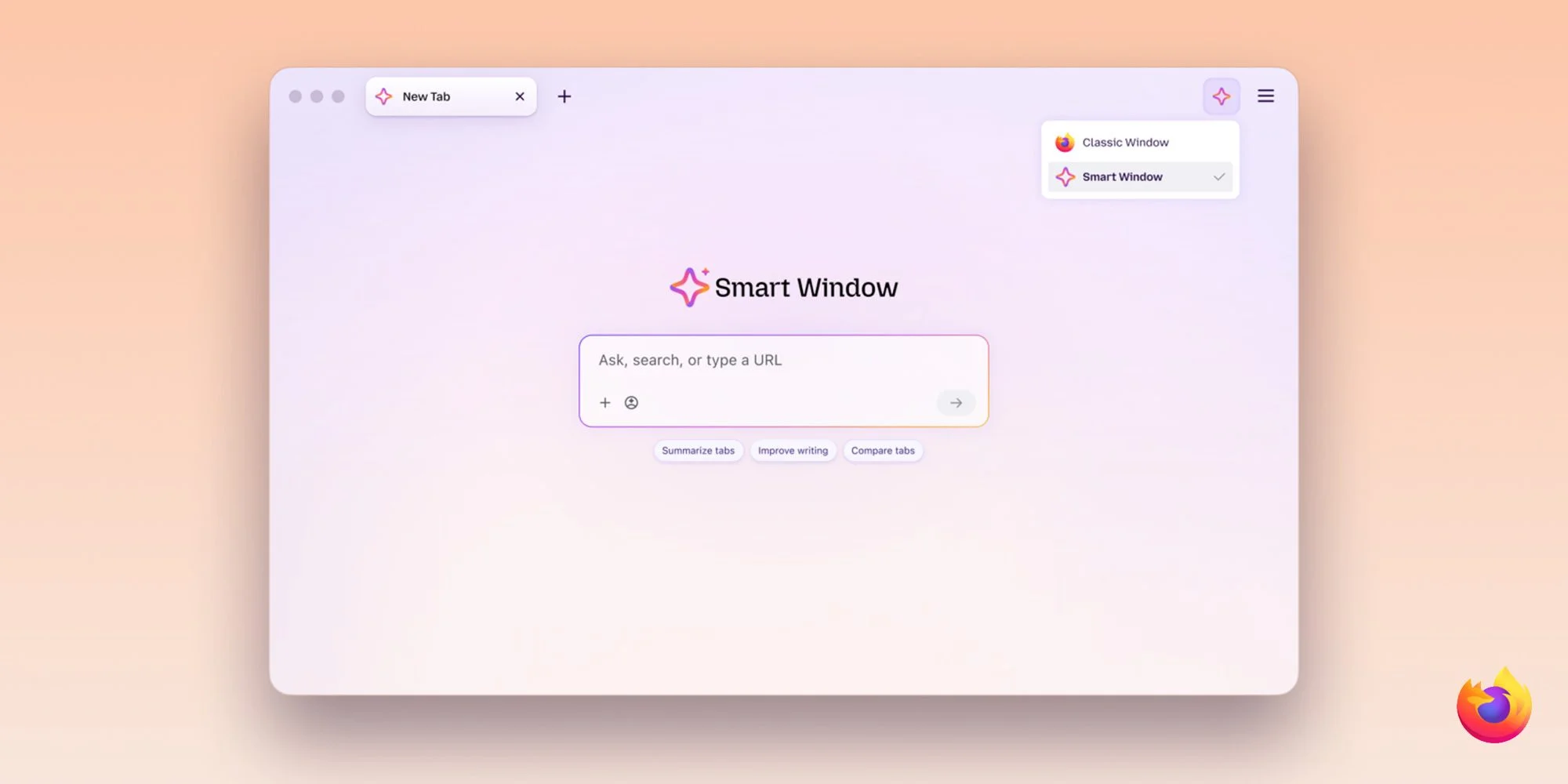
Firefox Smart Window is expanding from an AI browsing assistant into a tool for routine web tasks. Mozilla is adding form suggestions based on information in open tabs and alerts that track changes on selected websites. Both features are rolling out to Smart Window beta users on desktop, extending the product from interpreting pages to acting on information users have already gathered. That’s a practical shift: the assistant is being asked to help with repetitive work, where convenience and trust both matter.
Form suggestions draw on open tabs
Smart Window can use details from pages a user selects to suggest responses in web forms. That gives it a broader role than Firefox’s standard autofill, which enters saved details such as names and addresses. For example, information in a portfolio or professional profile could help fill out work history or draft a response to an open-ended application question. Those fields often call for context and phrasing rather than a fixed piece of contact information, so the AI feature is aimed at a different kind of effort.
The user’s choice of tabs is central to how this works. A page selected as a source can contain information that’s relevant to a form, but it may also contain details that aren’t. The usefulness of the suggestion will depend on whether the model can distinguish the material that belongs in a particular field, and whether the user reviews the result before submitting it. A faster draft can still require careful editing.
The distinction matters: standard autofill works without an AI model, while Smart Window’s suggestions rely on Google’s Gemini 3.1 Flash Lite. Mozilla says the model analyzes form fields and extracts relevant information from selected tabs, so page content is sent to the model for processing. That’s a meaningful difference for anyone deciding whether to use the feature: the familiar autofill process and the AI-assisted one handle data differently. Mozilla’s description makes that distinction clear, though users still have to decide which pages are appropriate to select.
This builds on Smart Window’s original aim of letting people ask questions, summarize pages, and compare information across tabs without leaving Firefox. Mozilla first announced the opt-in experience as AI Window nearly a year ago. Since its rename, it has added AI-powered web search, automatic tab grouping, duplicate-tab detection, and natural-language browsing-history search, as described in Mozilla’s earlier update. The growing list suggests Mozilla is testing whether an assistant can become a regular part of browsing, rather than a feature users open only to ask occasional questions.
Website monitoring runs from the browser
The other addition is a page-watching feature. Users can enter /watch in Smart Window’s chat and describe a change they want to catch, such as a lower price, a product becoming available, or a new job listing. Firefox uses Qwen to identify matching changes, then surfaces updates through the Tasks button in the toolbar. Desktop notifications can also open the watched pages directly. The feature turns a natural-language request into a recurring check, which may save users from revisiting the same pages by hand.
There are limits to what that convenience covers. Users can set checks to run daily or weekly and include up to five webpages in a task. Firefox allows up to 15 active tasks, which can be edited, paused, or deleted. Monitoring only runs while Firefox is open. A task pauses automatically after 60 days without a matching change, and Firefox stops checking after 90 days. Those boundaries make the tool easier to understand, but they also mean it isn’t a set-and-forget service for every kind of search.
The monitoring feature resembles Safari’s “Notify Me” option, but Firefox’s task limits and browser-open requirement shape how useful it’ll be for long-running searches. People tracking a time-sensitive listing or product may find it handy; anyone expecting alerts while Firefox is closed will need another approach. This is more significant than it looks: browser-based monitoring can make an existing browsing session more useful, but it ties the service’s reliability to the browser being open and the task remaining active.
What the expansion means for users
Smart Window’s two new features point in the same direction. One draws on information from pages users have open; the other keeps checking chosen pages for changes. In both cases, the browser becomes a place where users can delegate small, repeated tasks. Here’s the thing: that promise depends on users understanding what the assistant is using and what conditions the task depends on.
If you’re working in this space, the difference between a suggestion and an automatic action matters. Mozilla describes form entries as suggestions, leaving the user with a chance to review them. Website monitoring, meanwhile, is bounded by its schedule, task caps, and requirement that Firefox stay open. (And this is the part most people overlook.) An alert is only useful if the system is checking the right pages at the right times.
Useful, with limits.
Both features are available in the Smart Window beta for Firefox desktop, currently for English-language users in the US and Canada. Mozilla says availability will expand to additional markets in the coming months. Its announcement has further details. For now, the beta gives Mozilla a way to test whether users want these tasks inside the browser, and whether the controls and boundaries fit the way people actually browse.


