Python JSON Serialization for Machine Learning Configurations and Custom Types
Robust Serialization with JSON and Custom Types
By Iván Palomares Carrascosa · October 26, 2026 · Practical Python
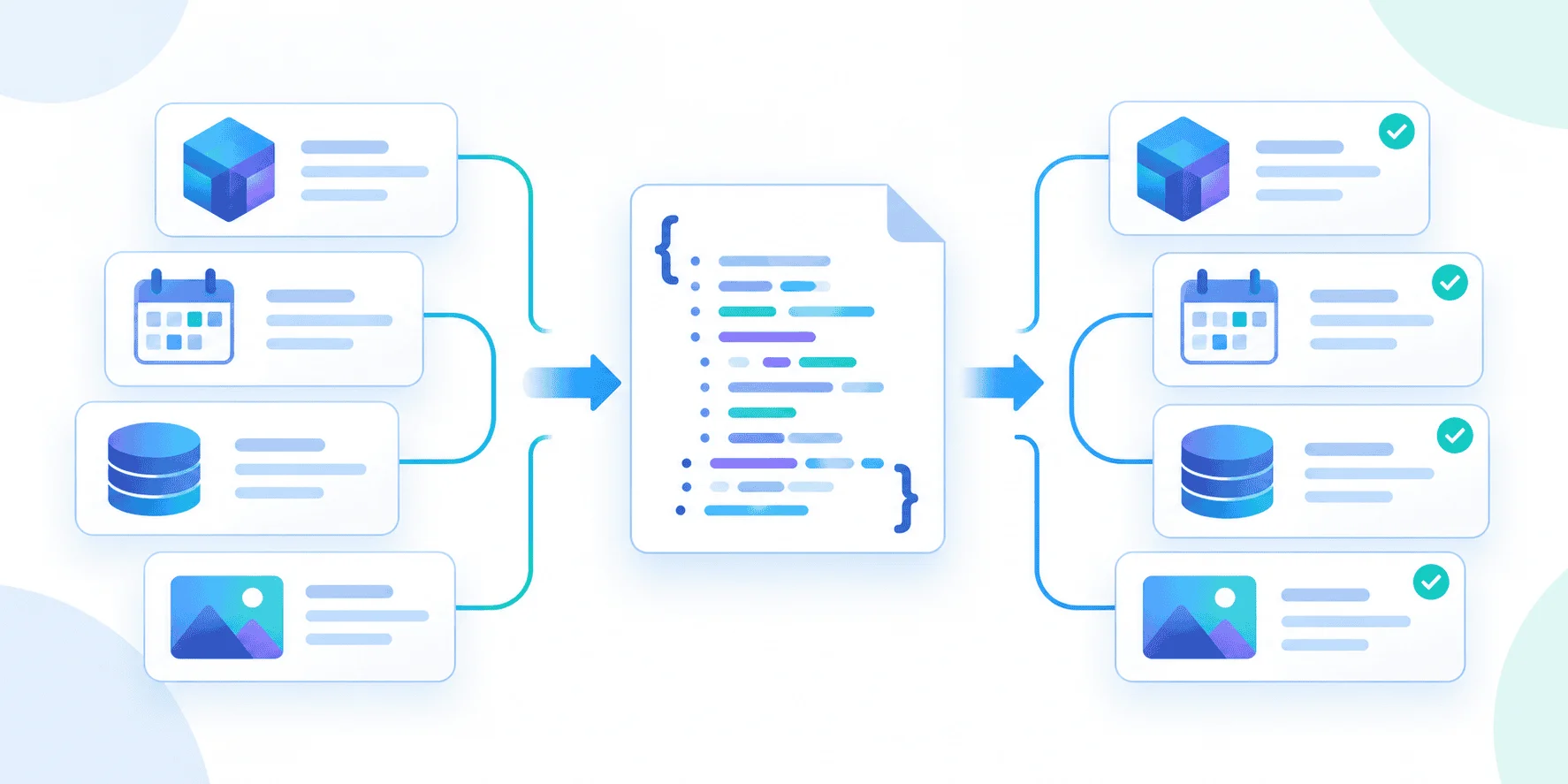
JSON’s limits tend to show up in the unglamorous parts of machine learning work: the data plumbing that moves configurations and datasets between files, processes, services, and APIs. A model may be the headline, but getting its inputs and settings safely from one place to another is often what keeps the pipeline running. This is more significant than it looks: a serializer that drops type information or fails on one unexpected value can disrupt the whole workflow.
Where plain JSON falls short
Python’s standard JSON encoder handles familiar values such as strings, numbers, lists, and dictionaries. But experiment settings often contain richer objects. Consider a configuration with a datetime timestamp, a set of feature names, a Path to a training file, and an Enum identifying the model. Calling json.dumps(experiment_config) on that dictionary fails with TypeError: Object of type ModelType is not JSON serializable.
That failure points to a broader problem: converting values to JSON is only half the job. A dependable pipeline also needs to reconstruct the intended Python objects, cope with malformed input, and handle schema changes as configurations evolve. The approach covered here uses a custom encoder for types such as datetime, set, Path, and Enum; a decoder that restores them while recovering gracefully from bad data; and a factory function that supplies defaults and applies migrations during deserialization.
Here’s the practical question: how do you preserve those types across a JSON boundary without making one malformed record capable of bringing down the pipeline? The example below starts with a machine learning experiment configuration, including model type ModelType.NEURAL_NET (whose enum value is "nn"), feature names {"age", "income", "location"}, the path /data/v2/train.csv, a current timestamp, and nested metadata with three retries.
1. Teaching the encoder about application data
The serialization failure comes from types Python understands that JSON doesn’t: the fix is to define how each one should be represented. A custom encoder gives you that control while leaving the standard library to handle ordinary values.
Subclass json.JSONEncoder and override default(). That method receives objects the built-in encoder can’t process, so you can branch on their types. In this example, datetimes become ISO-formatted strings, sets become lists, and paths become strings. Enum members are reduced to their underlying values. Any unrecognized object is passed back to the base implementation, which raises TypeError if it still can’t serialize it.
class RobustEncoder(json.JSONEncoder):
    def default(self, obj):
        if isinstance(obj, datetime):
            return {"__type__": "datetime", "value": obj.isoformat()}

        if isinstance(obj, set):
            return {"__type__": "set", "value": list(obj)}

        if isinstance(obj, Path):
            return {"__type__": "path", "value": str(obj)}

        if isinstance(obj, Enum):
            return obj.value

        return super().default(obj)

json_string = json.dumps(experiment_config, cls=RobustEncoder, indent=2)
print(json_string)
The type marker is doing useful work here. A set becomes a JSON array when encoded, and an array alone doesn’t tell a decoder that the original value was a set. The __type__ field preserves that clue; the same tagged structure is used for datetimes and paths. Enums are handled differently: since this example writes only obj.value, their original enum type isn’t retained.
To activate the custom behavior, pass RobustEncoder through the cls argument to json.dumps(). The resulting JSON makes the conversions explicit:
{
  "experiment_id": 1042,
  "model_type": "nn",
  "features": {
    "__type__": "set",
    "value": [
      "income",
      "location",
      "age"
    ]
  },
  "data_path": {
    "__type__": "path",
    "value": "/data/v2/train.csv"
  },
  "timestamp": {
    "__type__": "datetime",
    "value": "2026-09-28T14:26:10.328310"
  },
  "nested_meta": {
    "retries": 3
  }
}
That solves encoding, but the markers only help if the other half of the pipeline knows how to interpret them. A JSON decoder must recognize those tags and rebuild the corresponding Python types.
2. Decoding the JSON
The serialized record shows what the decoder needs to recover: experiment 1042 uses an nn model, with income, location, and age as features. Its training file is /data/v2/train.csv, and the record also carries a timestamp and nested retry metadata. The earlier TypeError is gone, but serialization is only half the job.
To turn the JSON string back into Python objects, use json.loads() with an object_hook. The hook calls a custom function, robust_decoder, on dictionaries as the parser encounters them, including nested ones. That function can inspect the type markers and rebuild values such as Path. The approach keeps the decoding logic in one place; the data still needs clear markers so the decoder knows which Python types to restore.


