macOS 27.3 Adds App-Specific Automation Permissions and Clearer Privacy Controls
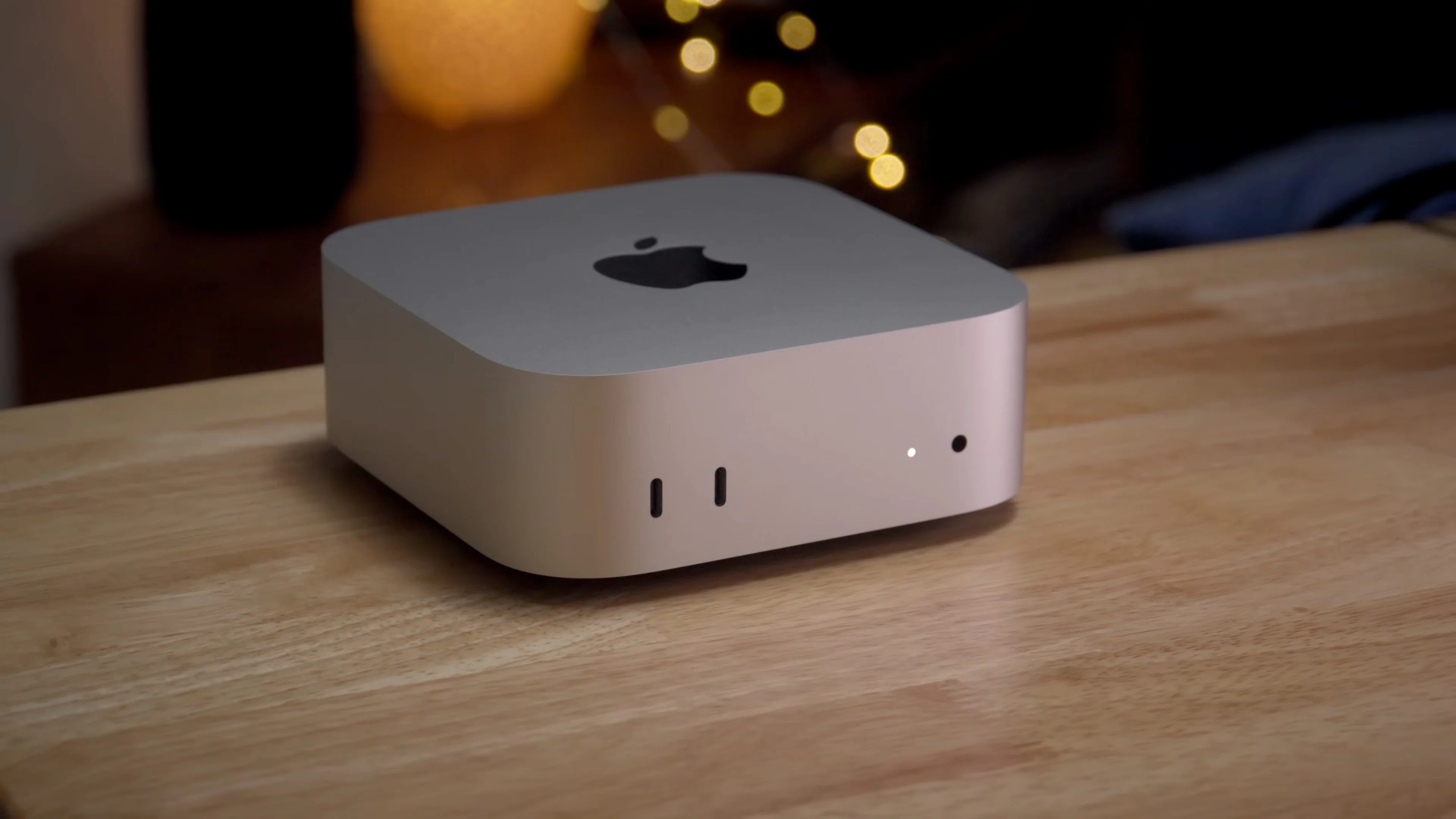
Apple narrows permissions for automation
macOS 27.3 beta gives users more control over powerful app permissions, especially when automation software operates other apps or accesses personal data. Apple is dividing a broad system permission into narrower categories and adding ways to limit access by app, folder, and time. The change reflects a practical problem: an app that needs permission to carry out one task may otherwise receive access broad enough to reach unrelated information.
The changes follow Apple’s announcement that it plans to tighten privacy controls as AI agents become more capable and autonomous. Apple said some developers use Full Disk Access in ways that can expose data across a user’s system, and outlined its plans on its developer website. That’s a concern with wider relevance: software that can act across apps may be useful, but it also makes the boundary between a tool’s intended task and its broader system access harder to judge.
Automation gets narrower permissions
In macOS 27.2, “Device Control and Data Access” combined permissions that can let apps handle email, contacts and photos, monitor keyboard input, track websites, record the screen, or control other apps. macOS 27.3 splits that category into two. The old grouping made it harder for users to distinguish among very different kinds of access, from assistive input to automated control of another app.
- Accessibility is intended for assistive technologies, with access managed through an entitlement process.
- System and App Protection Override covers apps that need to bypass certain macOS protections to control other apps or run automated tasks.
For the second category, users can choose which apps an automation tool may access. A tool could be allowed to work with Mail while remaining blocked from Messages. That kind of choice gives users a clearer way to match permissions to a task, although it also means an automation may stop working as expected if its access is narrower than the developer assumed.
Users can also require the app to ask for permission each time it needs access, instead of keeping that permission indefinitely. Here’s the thing: repeated prompts can make access more visible, but they may also become easy to approve without thought if they appear too often. The setting gives users control over that trade-off.
A new menu bar indicator will show when an app is controlling another app under System and App Protection Override. It gives users a visible cue when automation is interacting with apps or information in the background. This is more significant than it looks: automation can be difficult to notice precisely because it performs actions inside familiar apps rather than presenting itself as a separate activity.
Full Disk Access remains available
Apple isn’t removing Full Disk Access. Instead, macOS 27.3 will explain in more detail which protections an app would bypass and what kinds of personal information might become exposed when a user approves it. Better descriptions can help people make a more informed choice, though the value depends on whether the explanation makes the consequences clear at the moment approval is requested.
Users will also be able to grant access to selected folders instead of an entire Mac. That should suit apps that only need to work with files in a particular location, without opening the door to unrelated data. Similar permission systems typically work best when the access boundary maps closely to the task, so a user can understand why a tool needs a particular folder.
Existing Full Disk Access permissions will remain in place after the update. Apps that already have approval will keep working without asking users to approve access again. That should avoid an immediate wave of permission prompts, but it also means the tighter controls won’t automatically narrow access that users have already granted.
What developers need to handle
Apple says the underlying APIs aren’t changing, but developers will need to account for users granting limited permissions where an app previously expected unrestricted access. A backup tool, for example, may need to handle cases where it can see only selected folders. Apps that assume broad access may need to explain which permissions are needed and what happens when a user declines them.
Developers of backup software and assistive technologies can request entitlements to preserve the existing experience for new installations. Apple has also identified popular apps that rely on these permissions; those apps are expected to continue working without needing an entitlement. The distinction matters because a permission model can be more precise in theory while still creating friction if legitimate tools struggle to fit their needs into the available categories.
If you’re working in this space, the practical question is how an app behaves when a user says “only this app” or “only this folder.” That’s where narrower permissions become a product decision as well as a privacy setting: software needs to communicate what it can do with limited access, and when it needs the user to make another choice.
What the changes mean for users
The practical shift is toward permissions that reflect what an app actually needs: access to a specific app or folder, for a specific task, with clearer visibility when automation is active. That said, the beta’s design will have to balance meaningful choice against the interruptions that come with repeated approvals. A permission prompt only helps if people can understand it and make a real decision.
And yet, the update’s effect will depend on how developers adapt and how clearly macOS explains each request. The controls offer users a more detailed way to limit access, but existing approvals remain in place and some applications may depend on broader permissions. For users, the useful test is straightforward: can you tell what an app wants to access, and can you restrict it without losing the task you installed it to do?
More control, with the work of deciding where to draw the line.


