iOS 27.2 Adds Smarter Siri, Message Actions and New iPhone Features
iOS 27.2 gives the iPhone a broader set of context-aware tools, led by Siri’s ability to recall earlier chats and draw on more personal information. Apple released the update on October 26, with additions across Messages, Photos, FaceTime, games and entertainment.
The update is available under Settings ➝ General ➝ Software Update. Feature availability varies by region and iPhone model; Apple’s feature availability list has the current details.
Siri gets more personal context
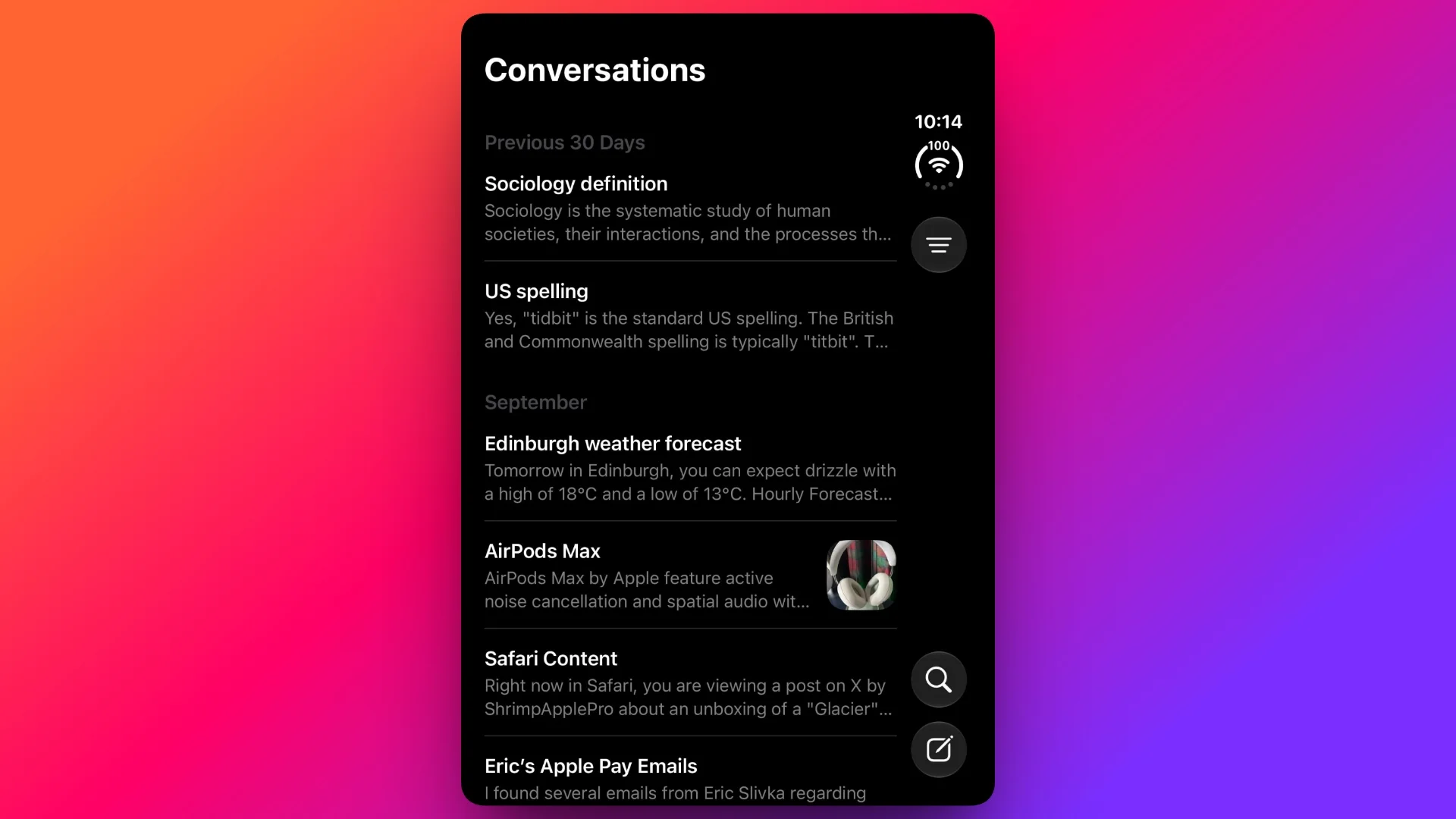
Siri can now refer back to earlier conversations. Ask it to repeat a restaurant recommendation from last week, for example, rather than starting the search again. The feature requires an iPhone 16 or later, or an iPhone 15 Pro or iPhone 15 Pro Max.
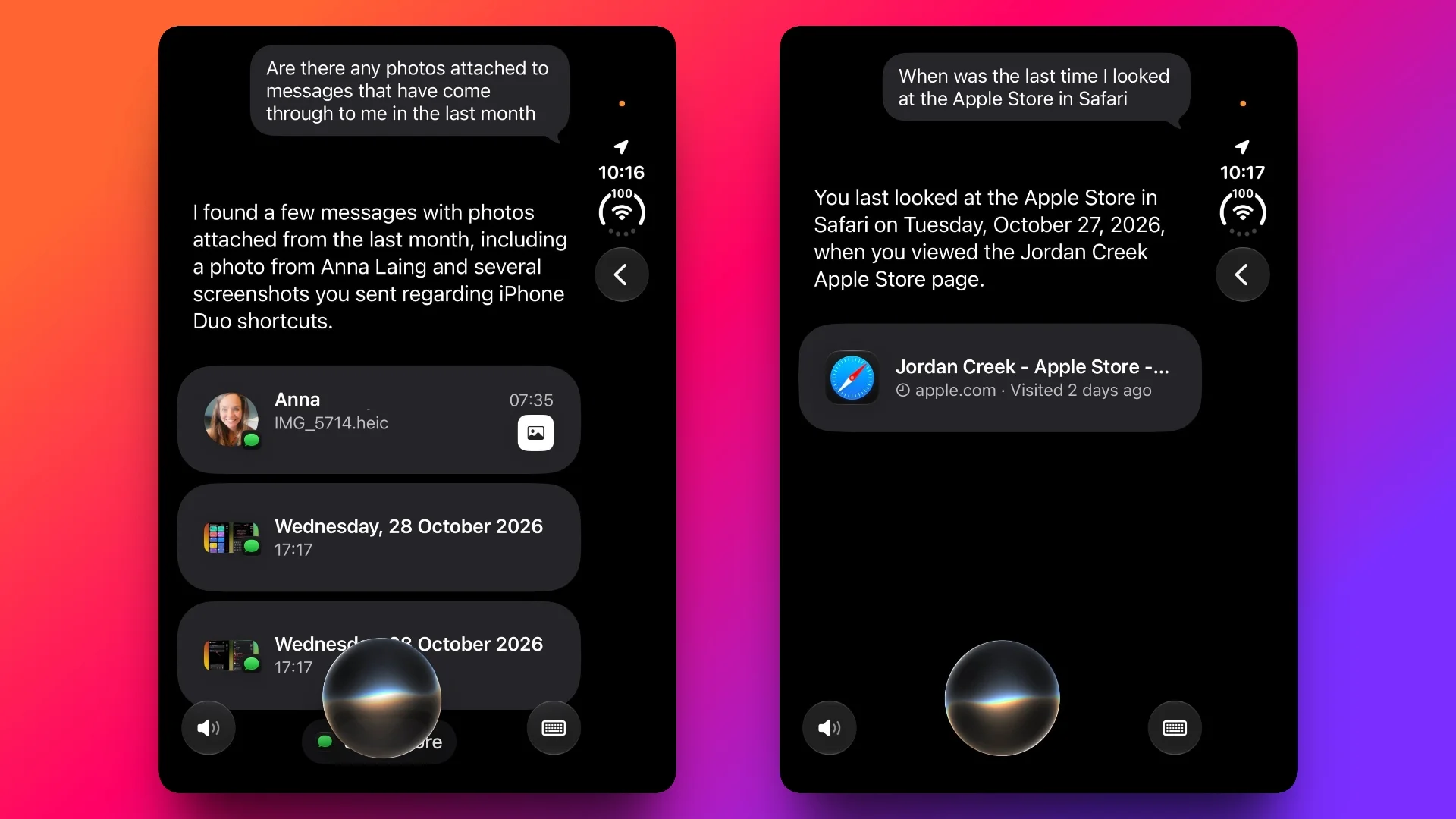
Answers can also draw on more of the information already on your device, including photos shared in Messages, Calendar event attendees and voicemails. Apple says Siri should return better results from Safari history and Reading List, too.

Language support now extends beyond English to French, Japanese, Korean, Portuguese and Spanish. Siri AI remains unavailable in the EU and mainland China, according to the source.
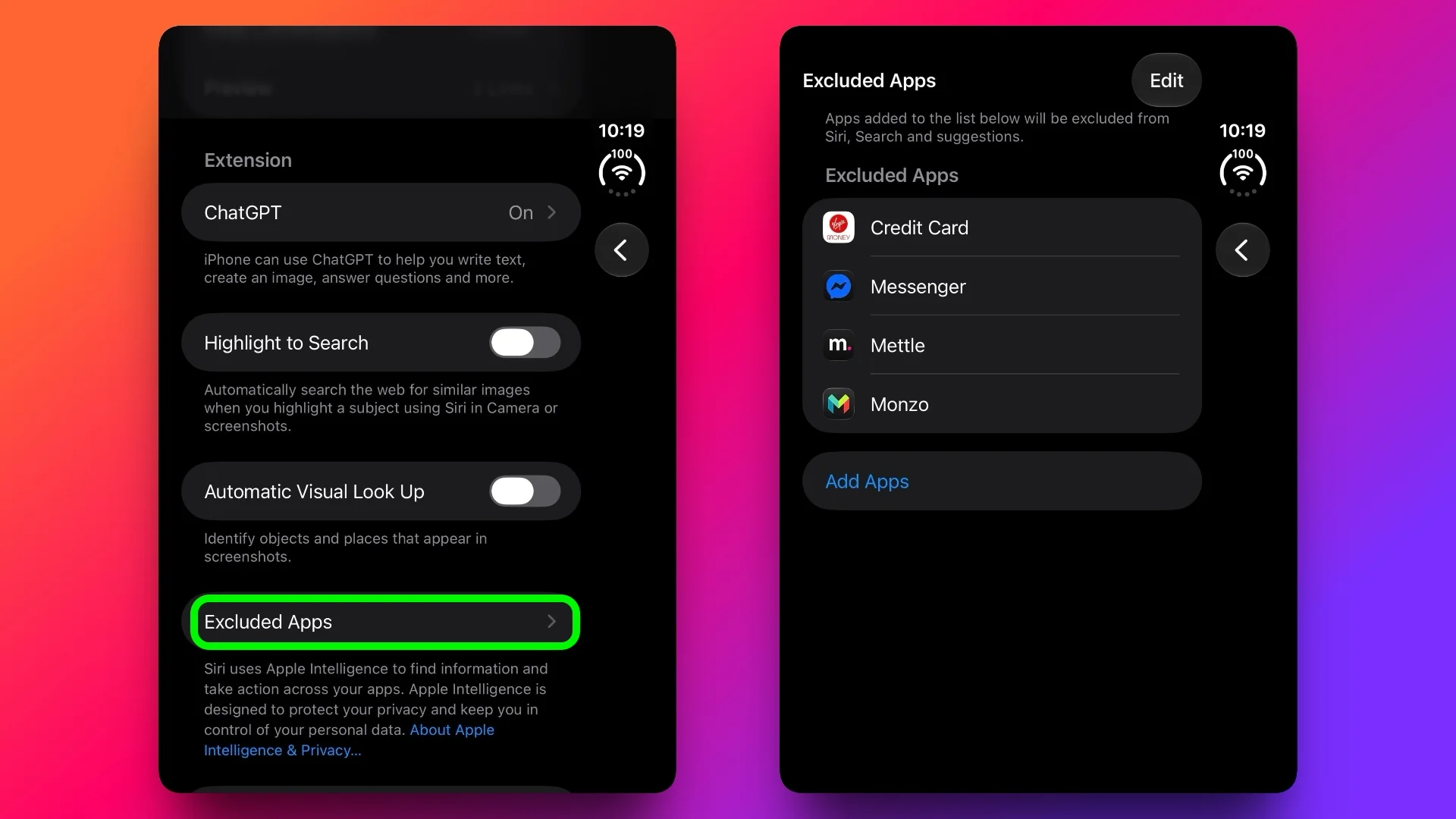
More personal context also makes access controls useful. A new list in Settings ➝ Siri ➝ Excluded Apps lets you choose which apps Siri, Search and suggestions can use.
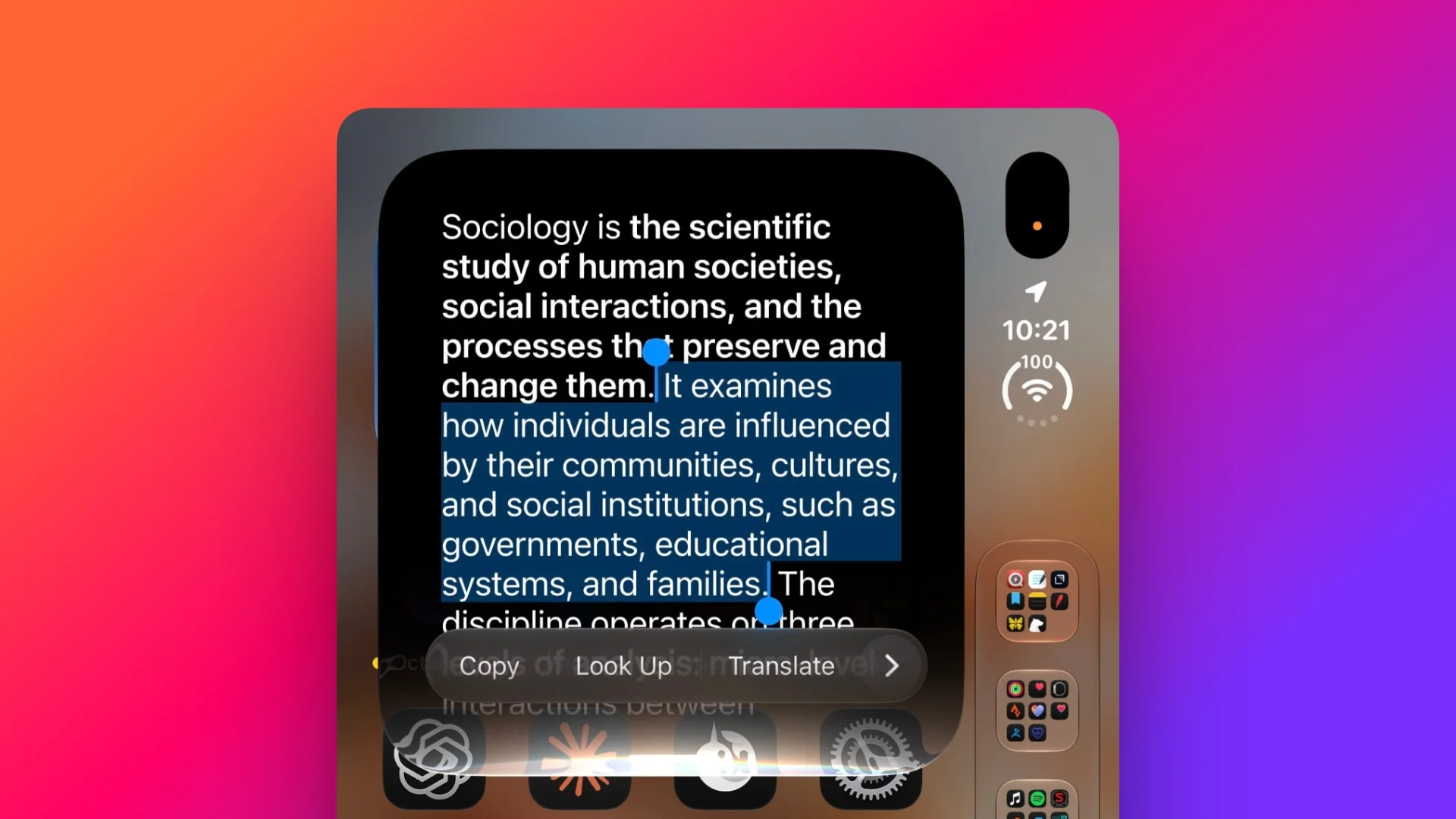
And when Siri gives you a long answer, you can select and copy only the passage you need.
Messages and Photos add useful follow-through
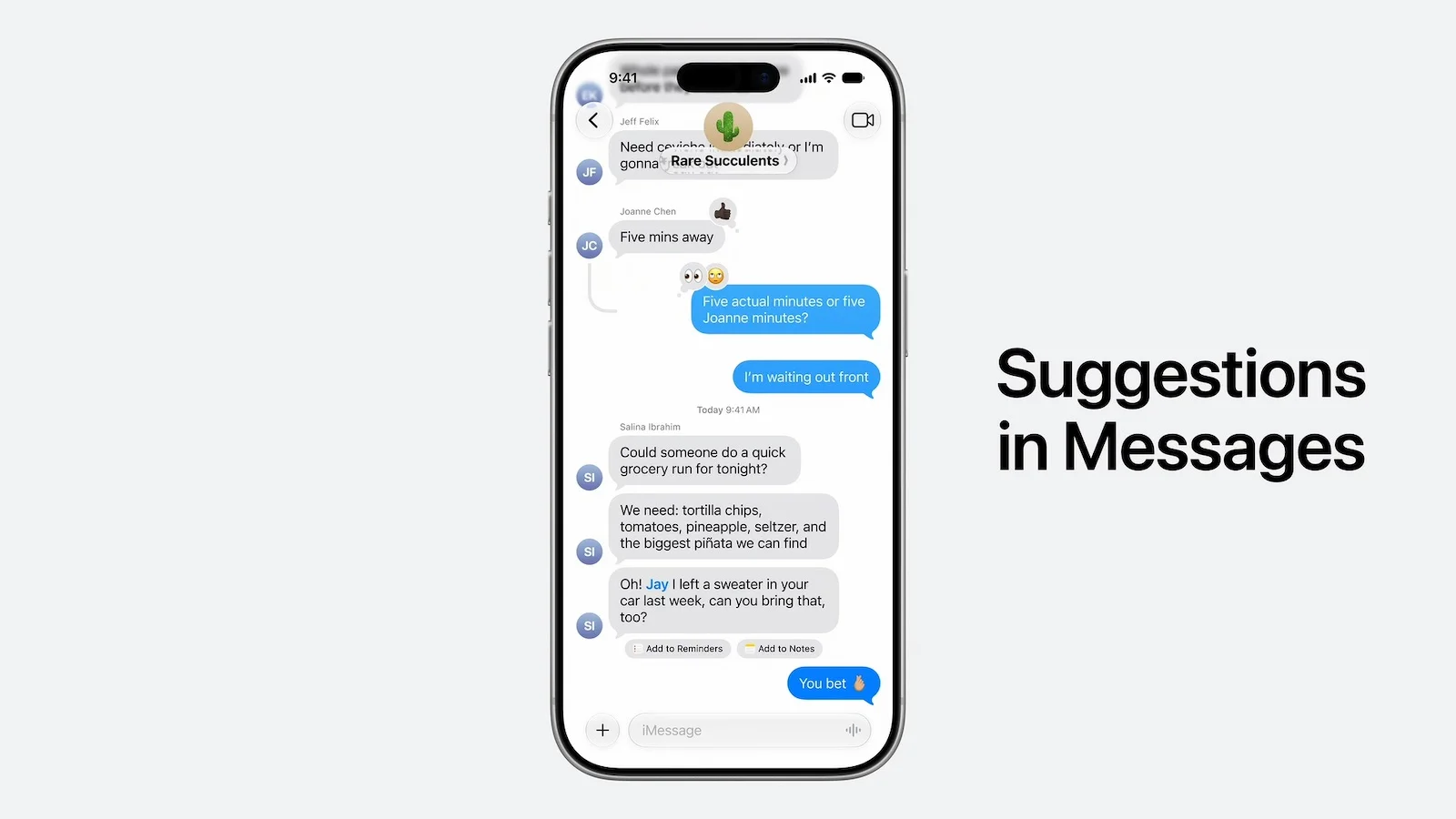
Suggestions in Messages turns conversation details into quick actions. A dinner plan, for instance, can prompt you to add a Calendar event or save a Reminder. The feature appeared in iOS 27 beta testing, then was held back from the initial release before arriving in 27.2.
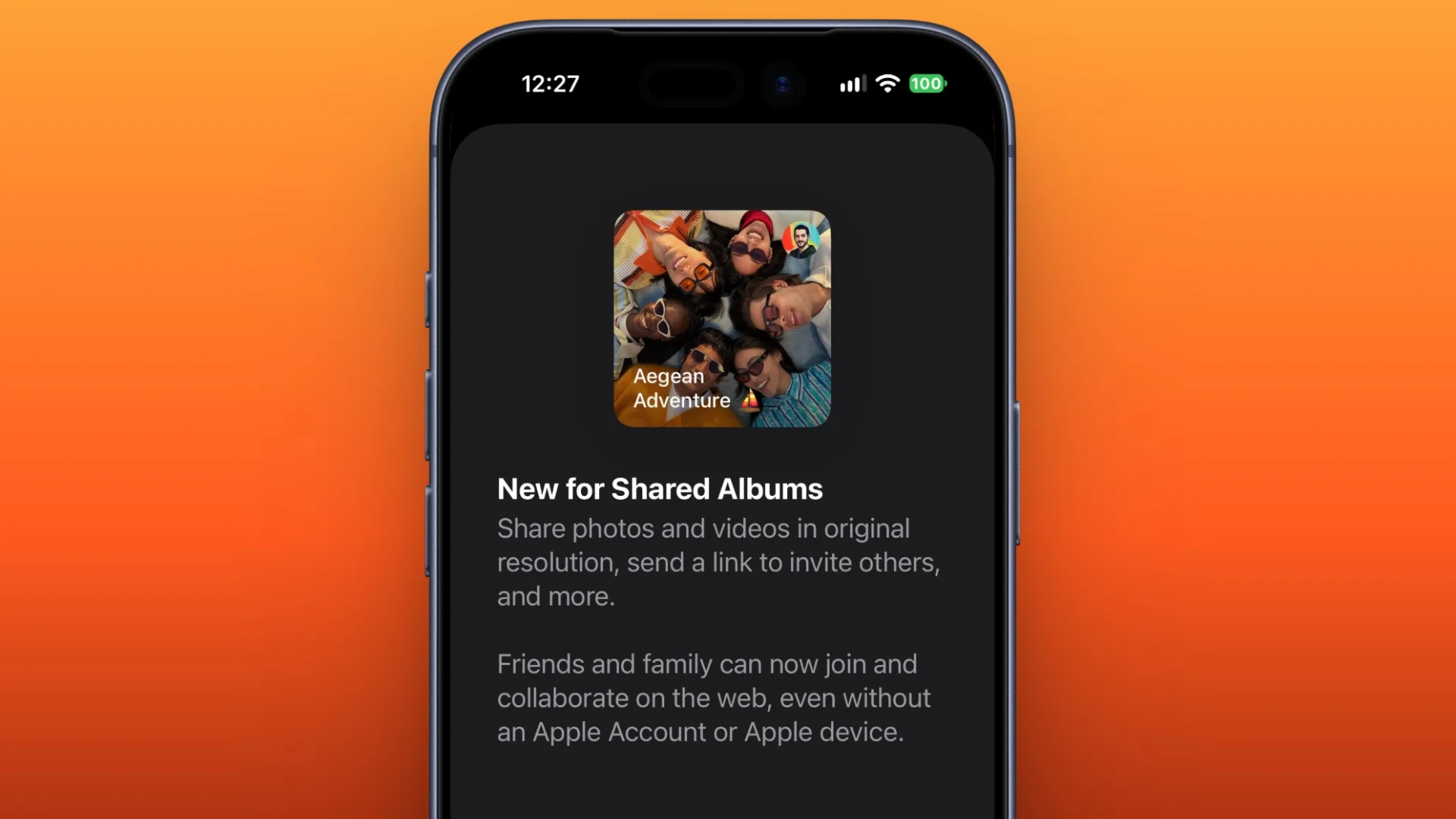
Shared Albums gain a handful of housekeeping improvements: participants can edit captions and comments, Photos can skip duplicate images, and the app can remind people when an album is nearing expiration so they have time to save photos and videos.
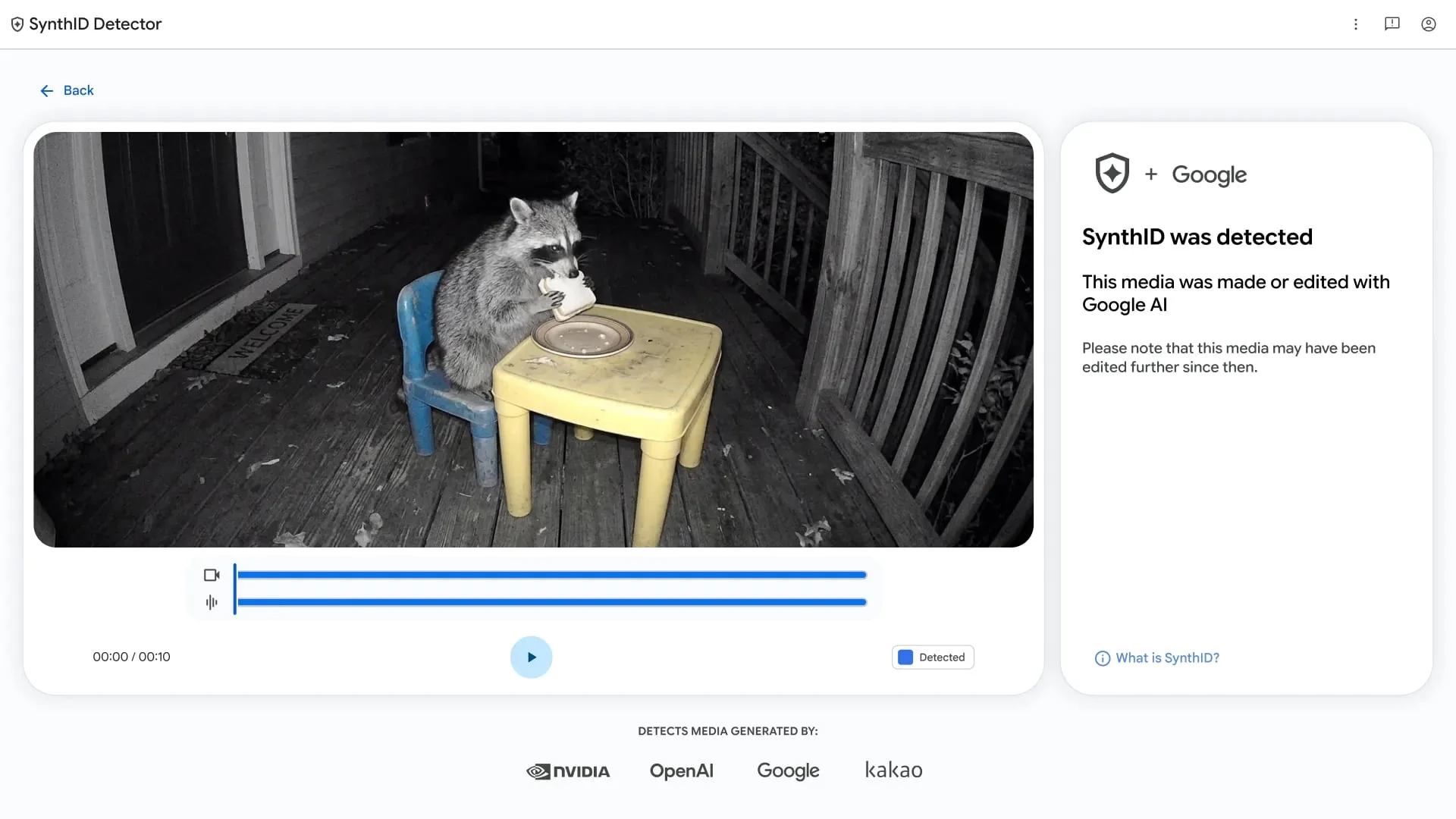
Photos and Image Playground can also identify images carrying SynthID watermarks, which are intended to indicate that an image was generated or modified with generative tools.
More ways to share and watch
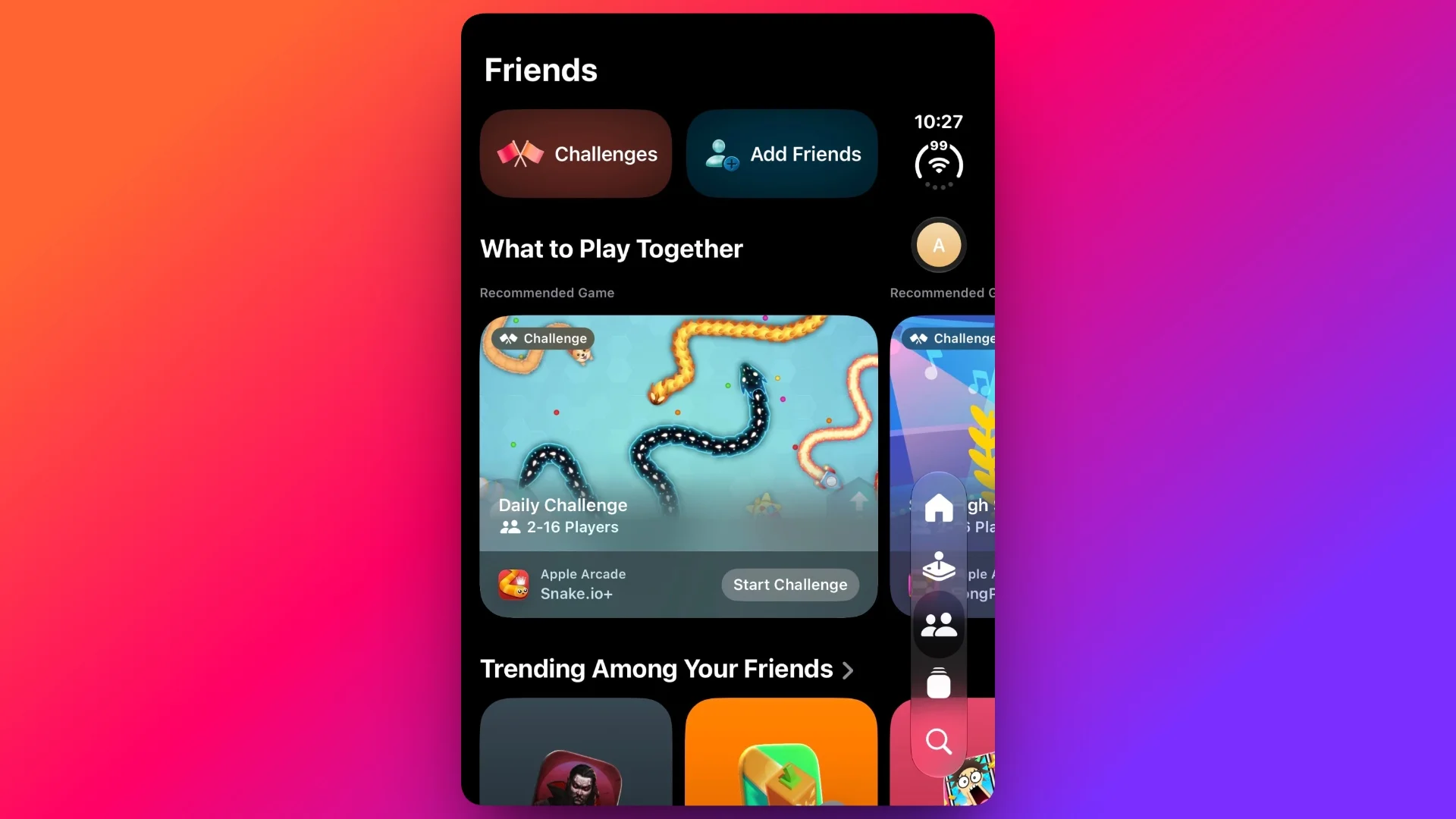
The Games app’s Friends tab now explains friend suggestions and shows recent games on friends’ player pages, adding more context to the social side of the app.
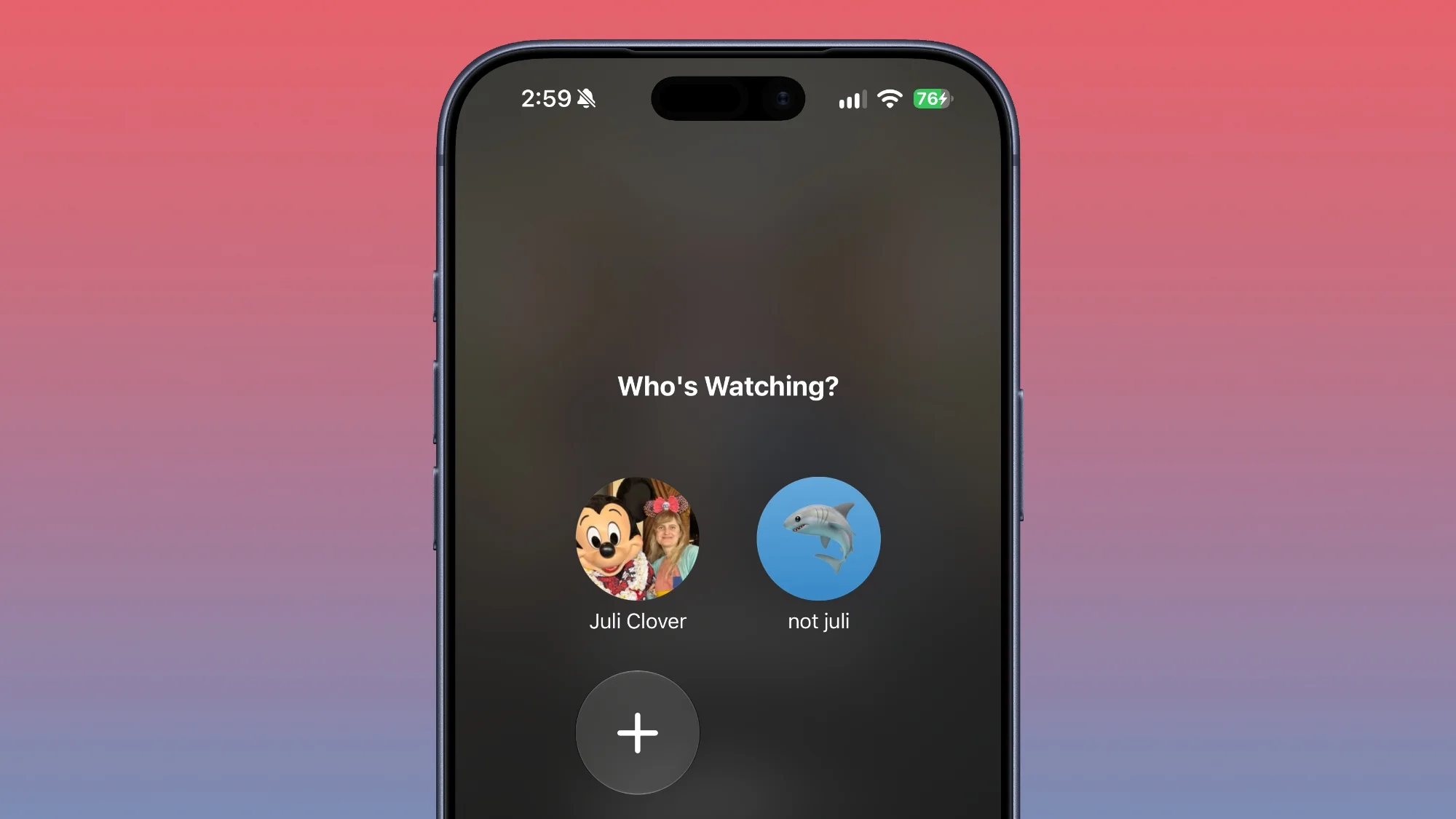
Apple TV profiles can now be created from account settings on iPhone and iPad. Set a name and choose an adult or child profile. Child profiles default to a PG content rating, with controls to set age ratings for shows and movies.
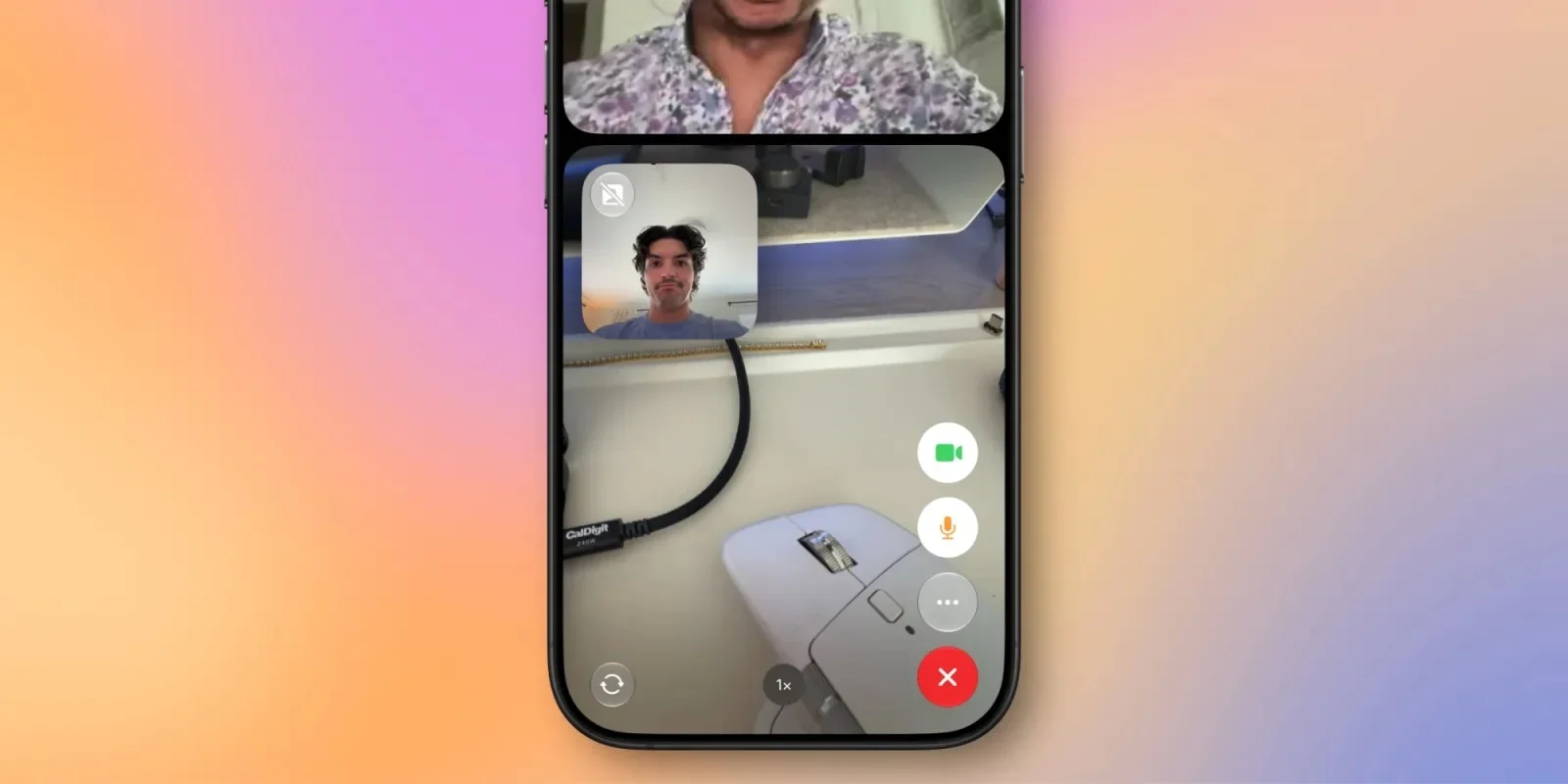
Group FaceTime calls now support Dual Capture, which streams the front and rear cameras at once. On a supported phone running iOS 27.2, switching cameras during a call turns on the feature. Compatible models include iPhone 17, iPhone 17 Pro, iPhone 17 Pro Max, iPhone Air, iPhone 18 Pro, iPhone 18 Pro Max and iPhone Duo. Apple first introduced Dual Capture for video.
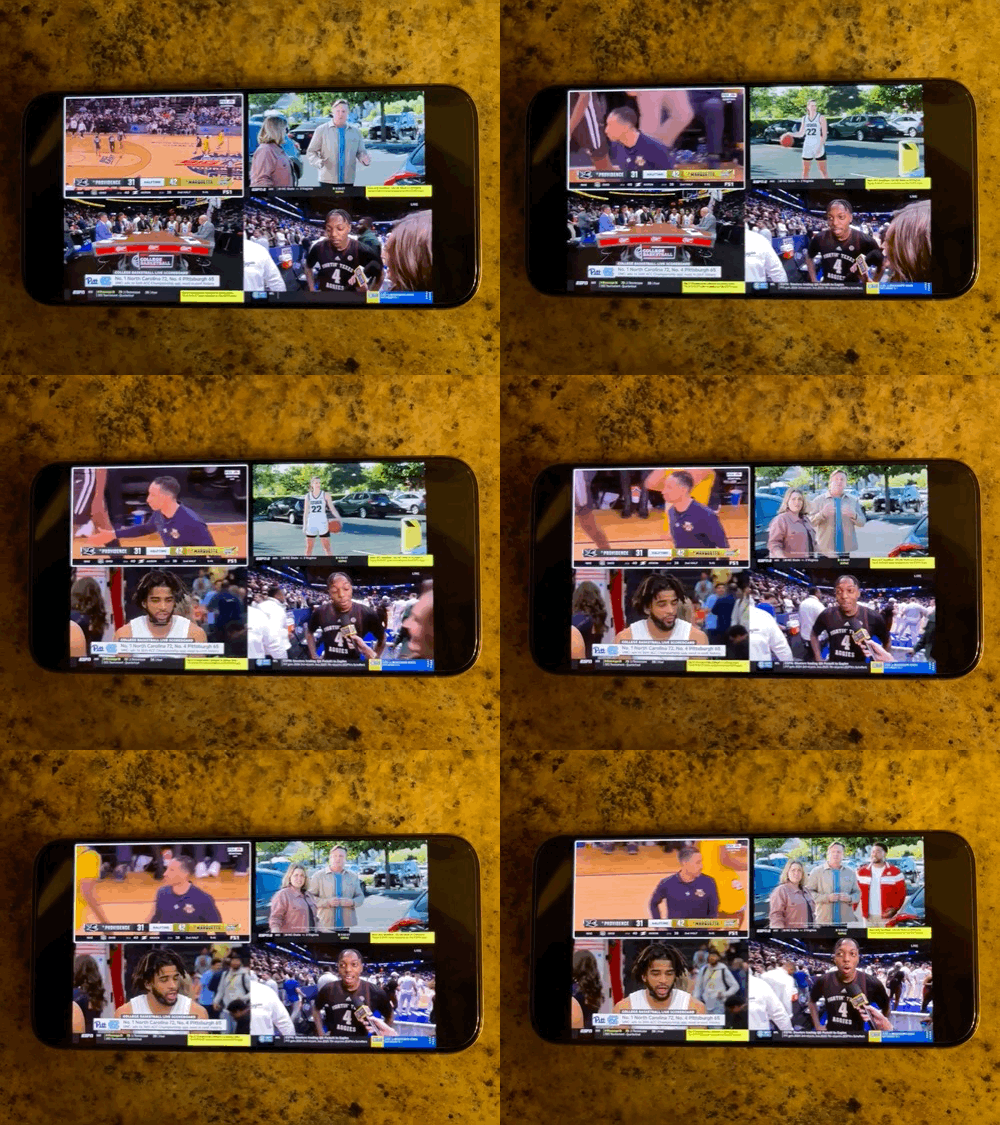
Apple TV app Multiview brings up to four live sports streams to iPhone. It applies to events included with an Apple TV subscription: Major League Soccer, Formula 1 in the U.S., and Friday Night Baseball doubleheaders during the Major League Baseball season.

On iPhone Duo, the update adds Apple Pencil USB-C support and Edge Light, a feature previously introduced on macOS that illuminates your face during video calls. Details on using Edge Light on iPhone Duo are available separately.
A small reminder at the right moment
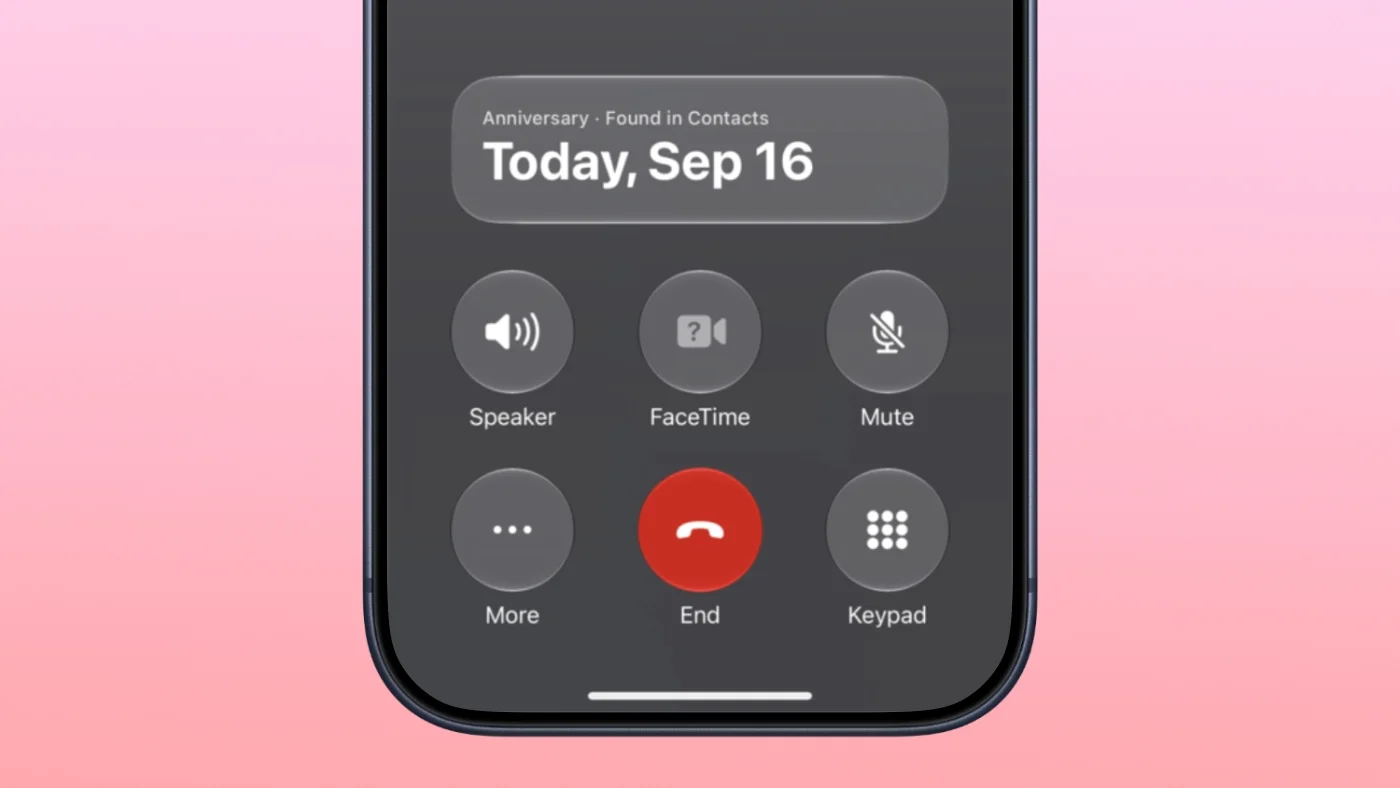
Call Context can remind you of a contact’s anniversary when you call them, provided you’ve added the date in Contacts. Open a contact, tap Edit, choose “add date,” and select anniversary. It’s a modest feature, but one that could make a well-timed call more thoughtful.
This article first appeared on MacRumors.com. Read the original report or discuss it in the forums.


