Fitbit Edge Review: Better Tracking, Music Controls and Comfort Than Charge 6
The Fitbit Edge looks like the tracker the Charge 6 was meant to be: a compact band with dependable workout readings, usable music controls and a physical button that responds when pressed. After a little over a week of use, its strongest case is practical polish. It fixes several frustrations from the Charge 6 while keeping the focused feel of a fitness tracker rather than a full smartwatch.
That polish comes with two clear compromises. There’s no NFC for Google Pay, and the Google Health app still gets in the way at times. For people who want reliable activity and sleep tracking without a larger watch, the Edge is a strong option at $179.99.
Accuracy makes the Edge a meaningful upgrade
Heart rate and GPS are the tests that matter most in a fitness tracker, and the Edge performs better than expected on both. Optical heart rate sensors can take a few minutes to settle, but once the Edge locks on, its readings closely tracked a chest strap. In the reviewer’s testing, it compared favorably with the Apple Watch and higher-end Garmin watches, and delivered better results than the Fitbit Air despite apparently sharing sensor hardware.
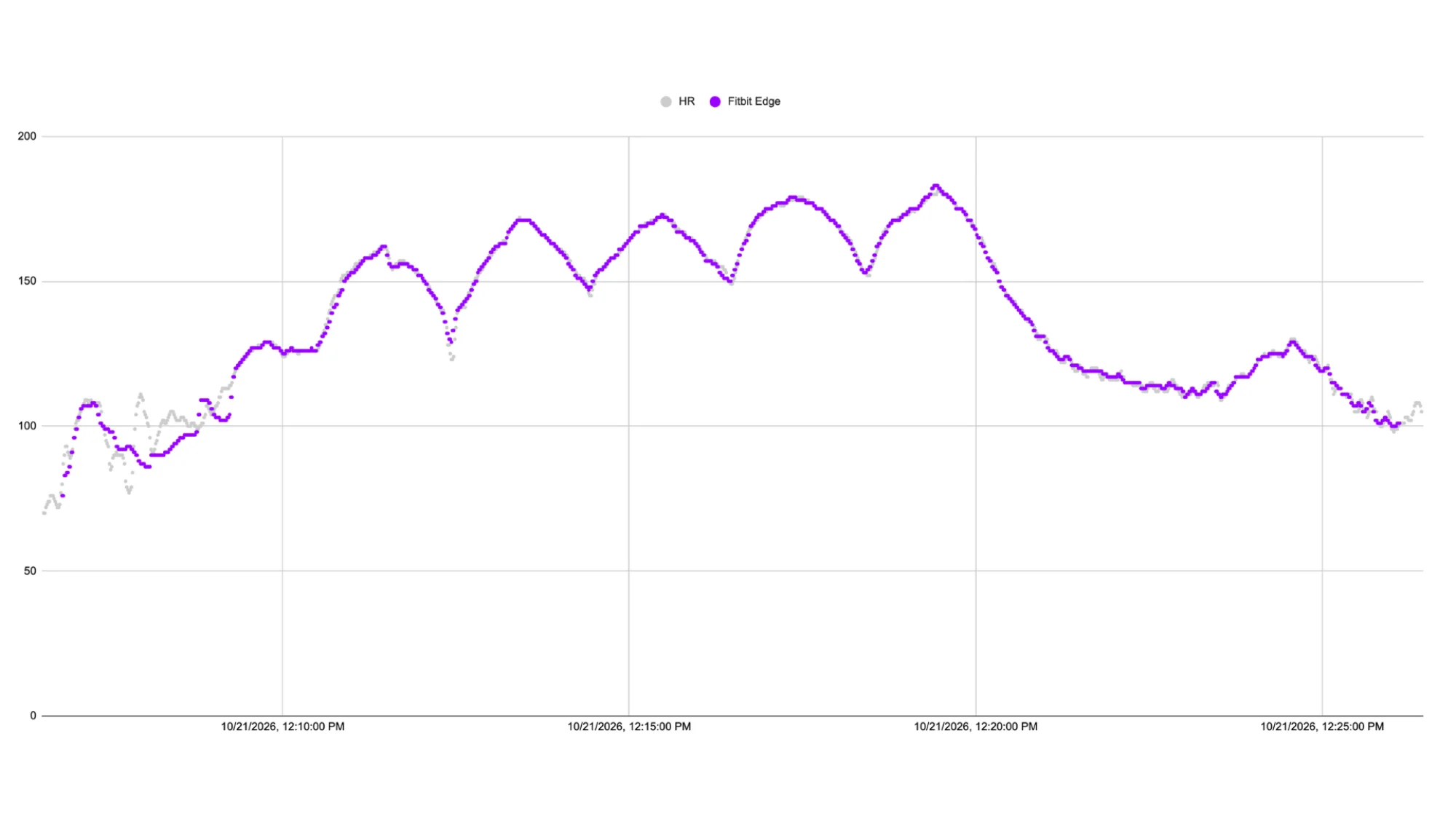
GPS performance was also close to a Garmin worn for comparison, with only small differences in the route data. That’s a substantial improvement over the Charge 6, whose readings could be disrupted when its strap was tightened. The Edge may not lead the category on location tracking, but the reviewer found it accurate enough for running and walking without the earlier model’s fit-related problem.
These results don’t make the Edge a lab instrument, and the reviewer doesn’t expect that level of precision from a wrist tracker. They do make it a more dependable everyday tool: the heart rate trace holds up during exercise, while GPS gives a credible account of where a run or walk went.
Audio controls work across phone apps
The Edge also fixes a needless limitation in the Charge 6. Music controls now work with audio playing on a connected phone, including Spotify and Castro, the reviewer’s podcast app. Playback can be managed from the wrist without a YouTube Music subscription.
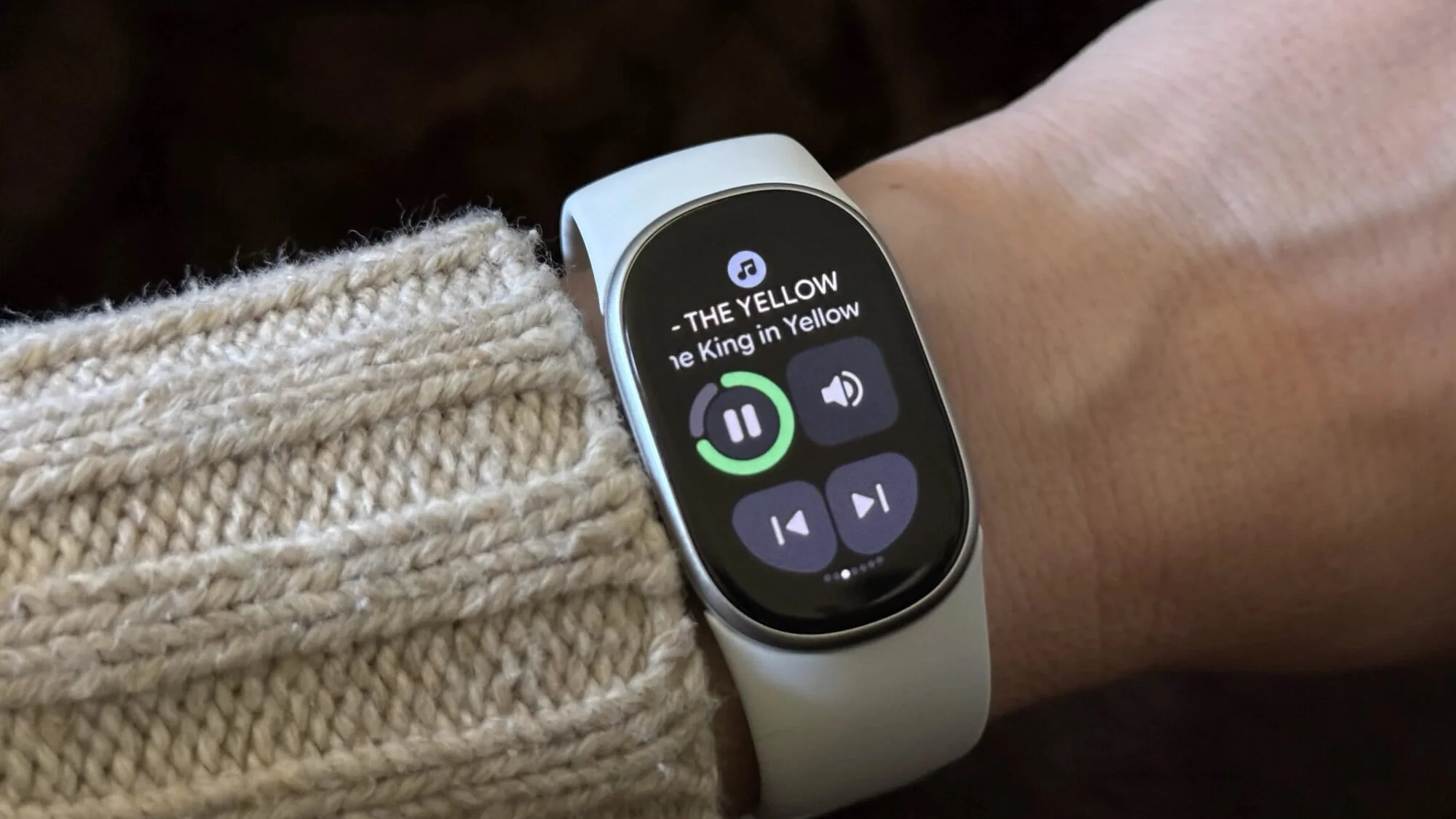
It’s a small feature with an outsized effect on daily use. A tracker that can pause a podcast or skip a song from the wrist fits naturally into a workout; tying that control to a single service or paid plan undermines the convenience. The Edge’s broader app support removes that friction.
Switching between Fitbit devices is simpler
The Google Health app can now keep two Fitbit devices connected to the same phone. That lets the Edge and Fitbit Air share a place in the user’s routine without requiring a fresh setup each time one replaces the other.
For example, if the Edge needs charging overnight, the Air can record sleep. The app then displays sleep data from the Air alongside activity data from the Edge, and the reviewer could switch between them without manually changing settings. The Edge also uses the Air’s charger. Neither a Pixel Watch charger nor the Charge 6 charger is compatible, so existing owners of those devices will need to use the Edge’s matching charging hardware.
A more comfortable shape and a real button
The Edge is roughly the size of the Charge 6, but gives the display more room. Its strap sits more like a conventional Pixel Watch band, without the stiff, awkward fit the reviewer experienced with the Charge 6. That makes the tracker easier to wear through the day and overnight.
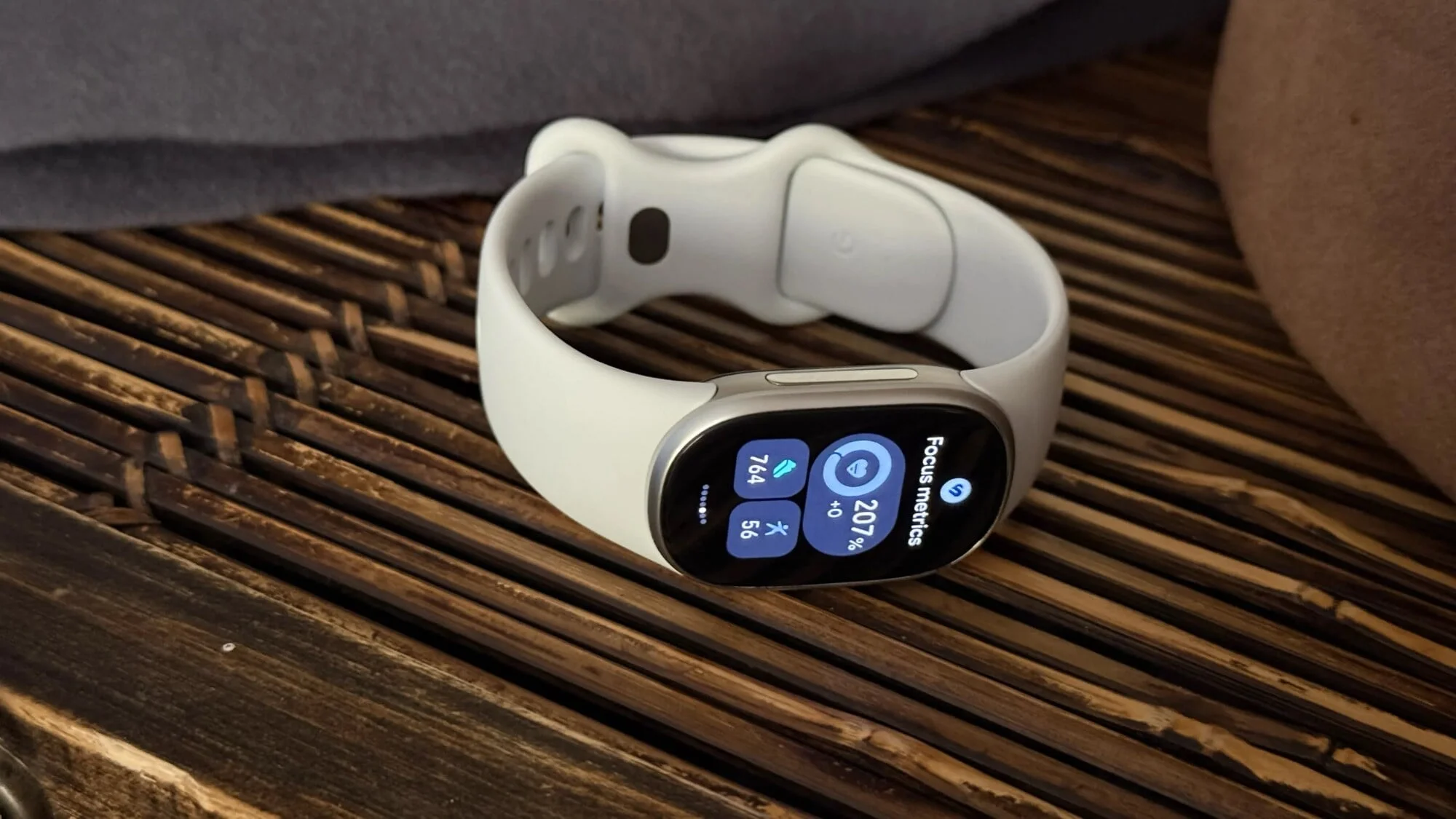
There’s also a physical side button, replacing the Charge 6’s unreliable haptic nub. On the Edge, pressing the button returns the user to the home screen, and it worked nearly every time during testing. That’s the kind of modest hardware detail that can make a tracker feel finished: a familiar control that does what it’s supposed to do.
Two tradeoffs remain
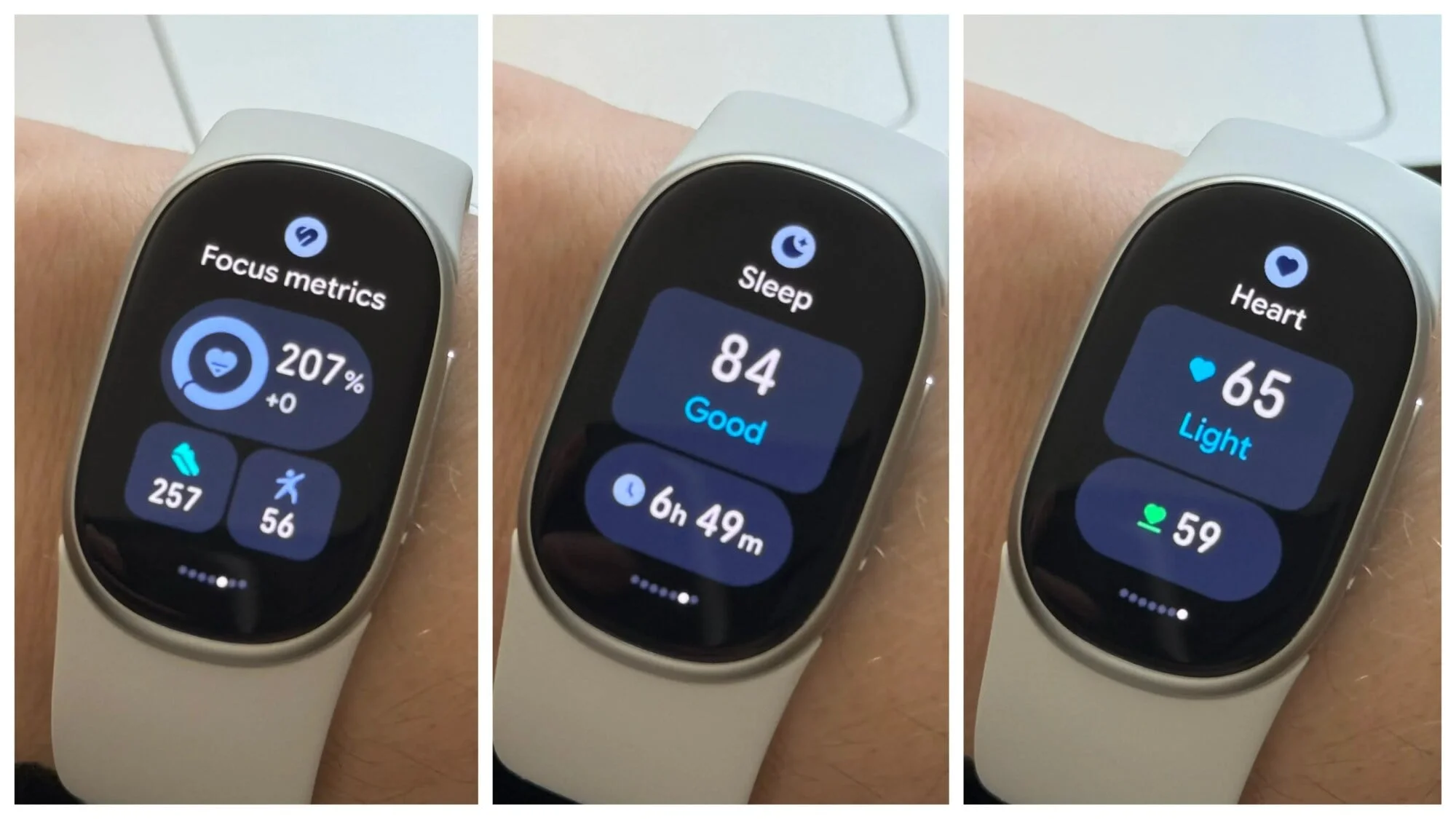
The Edge has no NFC chip, so Google Pay isn’t available. That won’t matter to everyone, but people who rely on wrist payments will need to carry a phone or card. Google reportedly said that most Fitbit users didn’t use Google Pay; removing the hardware may have helped make room for other components while keeping the device compact.
The other frustration sits in the Google Health app. Its AI can assign workouts the reviewer didn’t request, and the app lacks a straightforward view of the previous day’s data. Google has added a setting to turn off AI insights, which addresses part of the annoyance, but the app still falls short of the smooth experience the tracker itself provides.
Who should consider the Fitbit Edge
At $179.99, the Edge costs $20 more than the Charge 6. In return, it offers more reliable GPS, stronger heart rate performance in testing, wider music controls, a larger screen and a more comfortable strap. The reviewer also considers that price reasonable relative to the Fitbit Air, which costs roughly half as much but lacks some of the Edge’s screen and tracking strengths.
My read is that the Edge is best suited to someone who wants a capable Fitbit for workouts and everyday wear, but has no need for smartwatch features or a dedicated running watch. Its missing payment support and the app’s rough edges are real limitations. Still, the improved fit and dependable core tracking make it a more convincing everyday tracker than the Charge 6.


