macOS 27.2 Adds Five Siri Languages and Fixes Developer Bugs
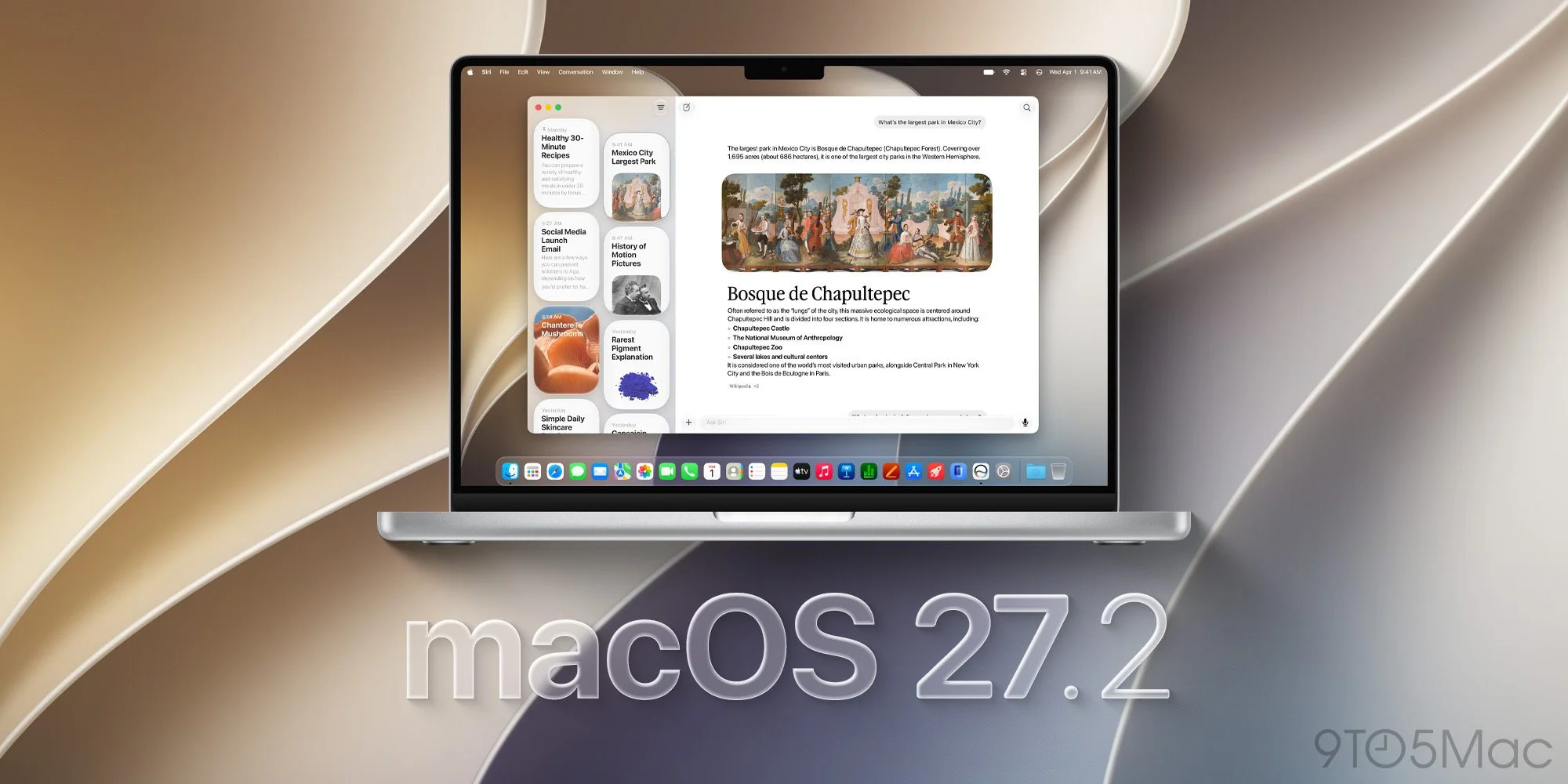
macOS 27.2 Golden Gate widens Siri AI’s reach and includes fixes that matter to Mac developers. It also leaves users and teams with several known issues to check, including display settings that may change when an external monitor is connected. The release is a mix of visible product expansion and less visible maintenance work. That combination makes the update relevant beyond the new language options: the practical experience will also depend on whether the fixes address the problems developers have encountered and whether the remaining limitations affect a given Mac setup.
Siri AI expands to five languages
With macOS 27.2, Siri AI is available in French, Japanese, Korean, Portuguese, and Spanish, joining English, which arrived with macOS 27. Apple announced the language expansion at its “Surprise and Shine” event last September. Bringing the same set of languages to the related 27.2 updates for Apple’s other operating systems gives the expansion a broader reach across its products, as previously reported.
Language availability is a concrete step toward making Siri AI useful to more people, though a list of supported languages doesn’t tell users how well every feature works in each one. For anyone considering a switch, the relevant question is whether the capabilities they rely on are available in their language and fit their routine. Apple’s announcement establishes the expansion; the release notes don’t provide a detailed comparison of the experience across languages. That leaves the rollout’s practical value to be judged in use.
Apple has also added gesture recognition tools to several built-in apps. That addition may point toward future touchscreen support on Mac, but the release notes don’t confirm a connection. Apple is expected to discuss a touchscreen MacBook Pro at its “Pro and Tell” event this Wednesday, according to earlier reporting and the event announcement. The tools are a reason to watch what Apple says next, rather than proof that a touchscreen Mac is on the way. This is more significant than it looks only if the features point to a wider change in how people interact with Macs.
Developer fixes and remaining issues
The release notes identify a fix for Xcode crashes that could occur when developers used code completion in the macOS 27.2 beta. That kind of failure can interrupt a routine task and make it harder to evaluate the development environment as a whole. The macOS 27.2 SDK is bundled with Xcode 27.2, and developers can check Apple’s Xcode release notes for compatibility details. The release notes describe a fix, but teams still need to confirm their own projects and workflows behave as expected.
Apple also fixed three StoreKit Testing issues involving introductory offer eligibility, storefront and locale updates, and error dialogs after failed test purchases. Each affects a different part of the testing process: how an offer is assessed, how a test environment reflects its selected storefront, and how a failed purchase is presented. Those details matter because developers use testing tools to check purchase flows before users encounter them. Here’s the thing: a fix to the test environment helps only if teams also verify the cases that matter to their apps.
Some limitations remain. Display settings may not restore correctly when an external display is connected, potentially changing the display arrangement. For users with multiple displays, that could mean checking the arrangement and adjusting it again after connecting a monitor. The release notes identify the problem but don’t say how often it occurs or which setups are affected.
On Macs with a clean install, apps including Calendar, Maps, Find My, Home, and Weather may not prompt users to enable notifications. Apple’s workaround is to turn them on manually in System Settings > Notifications. Shortcuts’ “Describe a Shortcut” action may also fail with a “Something went wrong. Try again later” error. That’s a broad error message, so users may have little guidance from the message itself about what to try next. A manual settings check is the clearer remedy for the notification issue.
For StoreKit testing, Apple lists a separate unresolved issue: purchasing a subscription included in a subscription bundle may incorrectly allow the user to unbundle instead of returning an error. That distinction can affect how a purchase flow behaves during testing, so developers working with subscription bundles should account for it when interpreting results. The release also removes the AppKit user default EnablePasteboardPrivacyDeveloperPreview. Teams that rely on a particular developer preference should review the release notes before updating their development setup.
What to check before updating
During the beta, users reported that windows in Electron-based apps could stop responding to drag attempts. Restarting a Mac temporarily restored dragging, and the issue appeared fixed in the release candidate. The final macOS 27.2 build is 26B123, different from that candidate. Since the candidate and final build aren’t the same, users who tested the earlier version shouldn’t assume they’ve already installed the final release.
Mac users with beta updates enabled may need to disable them to see the final build in Software Update. If you’re working in a team that depends on Electron-based apps, it’s sensible to check window dragging after installation and confirm the final build is installed. That’s a simple check, but it matters when a basic interaction has already been reported as unreliable during testing. Restarting temporarily restored the behavior in the beta, though that report doesn’t establish what every user will see on the final build.
Apple has also introduced a black-and-white Apple Music app icon, replacing its familiar red-and-white design. The change arrives alongside a new, colorful sound-inspired Apple Music identity, but Apple hasn’t said whether that logo will become the app icon. It’s a visible change with an unresolved detail: the release establishes the new icon, while the relationship between that icon and the broader identity remains unclear. For now, users shouldn’t read the branding change as confirmation of a further app redesign.
Why the release matters in practice
For teams adopting the update, the practical check is to review external display arrangements and notification permissions after installation, particularly on clean installs. Developers should also confirm their Xcode and StoreKit workflows against the fixes and known issues in Apple’s macOS 27.2 release notes. The notes give teams specific areas to check, but they don’t replace testing with the apps, displays, and purchase flows they actually use.
For individual users, the language expansion is the clearest feature change, while the display and notification issues are the items most likely to prompt hands-on follow-up. The beta report about Electron windows adds another reason to check a familiar task after updating. And yet, the release notes don’t suggest that every user will encounter these problems; they identify conditions worth watching. A few minutes spent checking settings and everyday workflows can help reveal whether this update has changed anything that matters on a particular Mac.
Apple’s update pairs broader Siri AI availability with developer fixes, while leaving specific edge cases documented for users and app teams. The numbers here are underwhelming if someone expects a major Mac feature announcement from version 27.2 alone. The more useful measure is whether the fixes improve the workflows they target and whether the remaining issues stay manageable. For now, check the details that apply to your setup. Then get back to work.


