Essential Chromebook Apps for Enhanced Functionality
The evolution of Chromebooks has shifted from being straightforward web-browsing machines to multifunctional devices that cater to a wider range of user needs. The integration of built-in applications is a turning point, particularly with the new Chromebook Plus models, which support features powered by Google's Gemini AI. So, what’s really driving this evolution, and how do these built-in apps stack up in terms of productivity and usability for professionals?
Streamlining Tasks with the Recorder
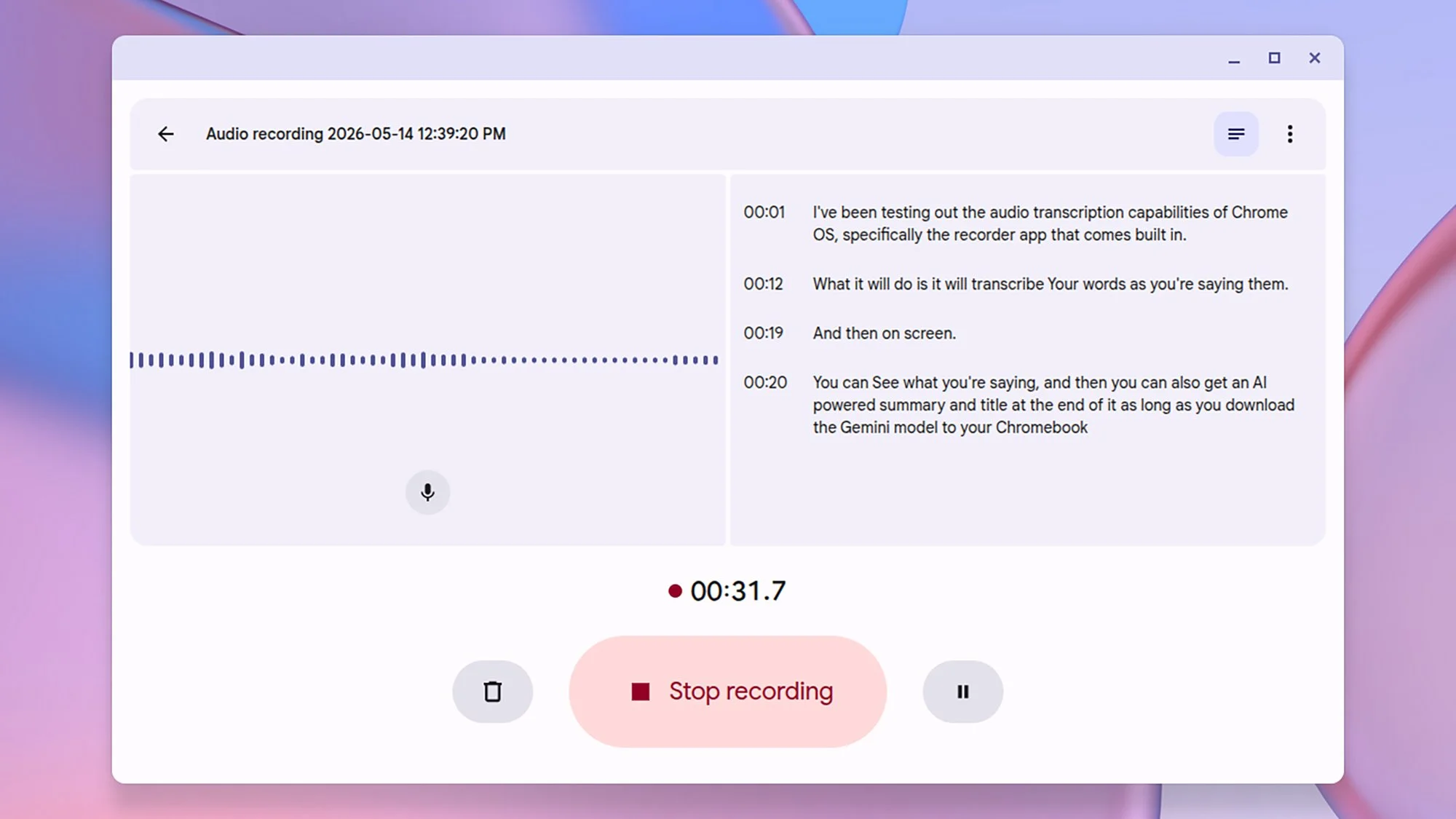
The Recorder app stands out as a significant addition to ChromeOS. Comparable to the voice-recording capabilities of Google Pixel phones, this app allows users to capture audio effortlessly while transcription features convert speech into text in real time. This isn't just about record-keeping; it introduces an element of convenience by enabling immediate access to transcriptions. When combined with the ability to identify different speakers, it becomes a powerful tool for meetings and interviews. However, the requirement to download additional AI models for full functionality might limit its accessibility for some users. If your workflow heavily relies on documentation of verbal exchanges, this tool is a step forward.
Visual Communication with Screencast
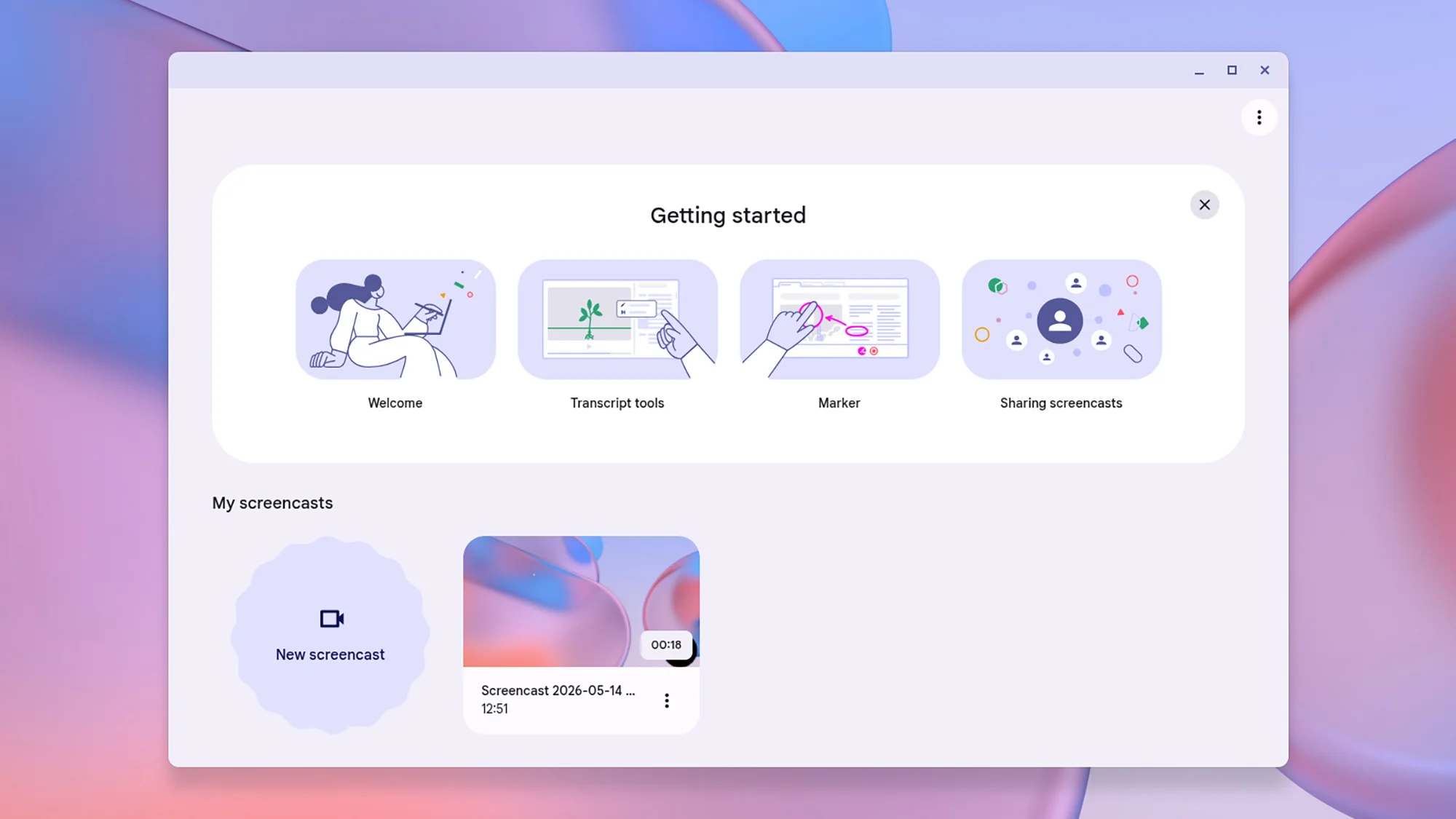
Screencast is another critical tool that addresses the rising demand for remote communication. Its capacity to record screen activities along with webcam video and audio makes it highly versatile for tutorials, presentations, or project walkthroughs. The inclusion of annotation tools enhances interactivity, a feature that's valuable for engaging presentations. Once recordings are completed, they can undergo basic edits, and sharing options via custom links are available. This multitasking capability can significantly accelerate learning and training processes, benefiting professionals who often need to convey complex ideas graphically.
Offline Flexibility with the Text App
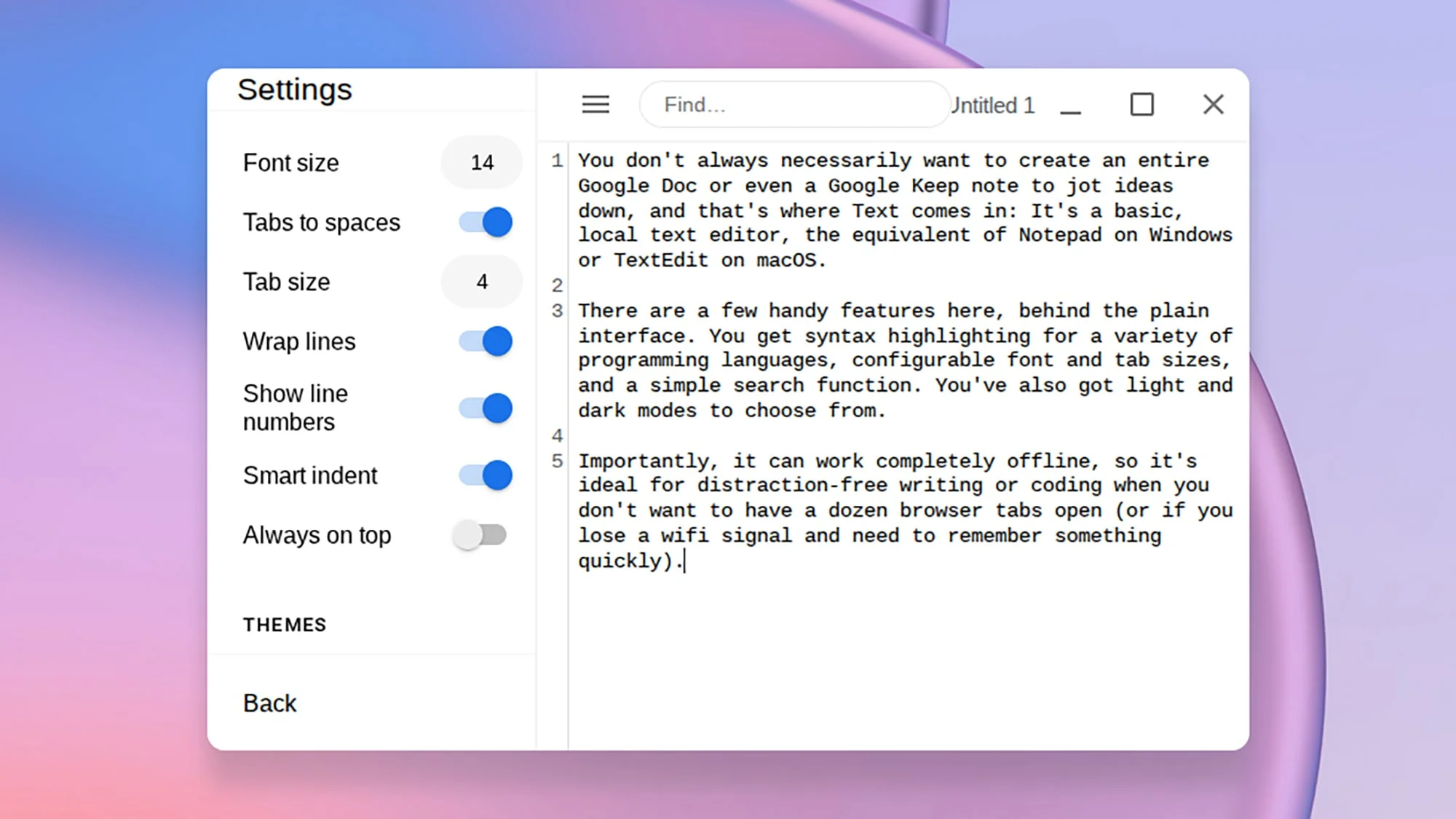
For professionals who require a straightforward writing environment free from distractions, the Text app serves as an effective local editor akin to Notepad or TextEdit. Its offline functionality proves strategic, particularly during travel or in locations with unstable internet access. The added benefit of syntax highlighting is particularly appealing for coders, providing essential feedback directly in the editing process. While simple, this tool addresses a core need—minimalism in digital writing.
Efficiency with Key Shortcuts
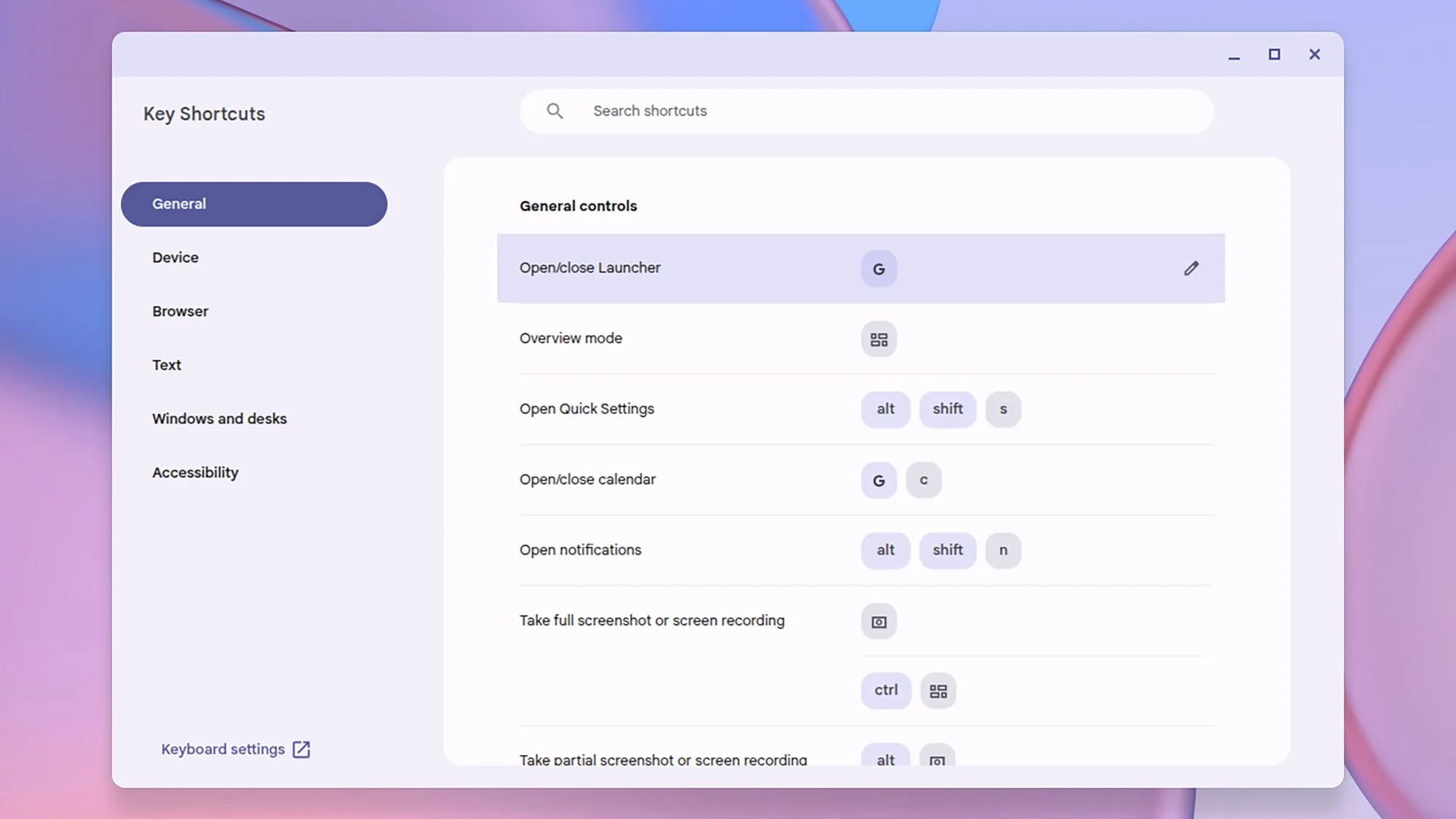
Keyboard shortcuts are essential for maximizing productivity, and the Key Shortcuts app elevates this aspect of ChromeOS. Not only does it provide users with a comprehensive view of available shortcuts, but it also allows for customizations tailored to individual workflows. This adaptability is vital—especially as users may have different preferences for their work habits. The ability to tweak settings reduces friction and can result in improved efficiency over time, which is a welcome feature for rigorous users who thrive on speed and functionality.
All-in-One with the Gallery App
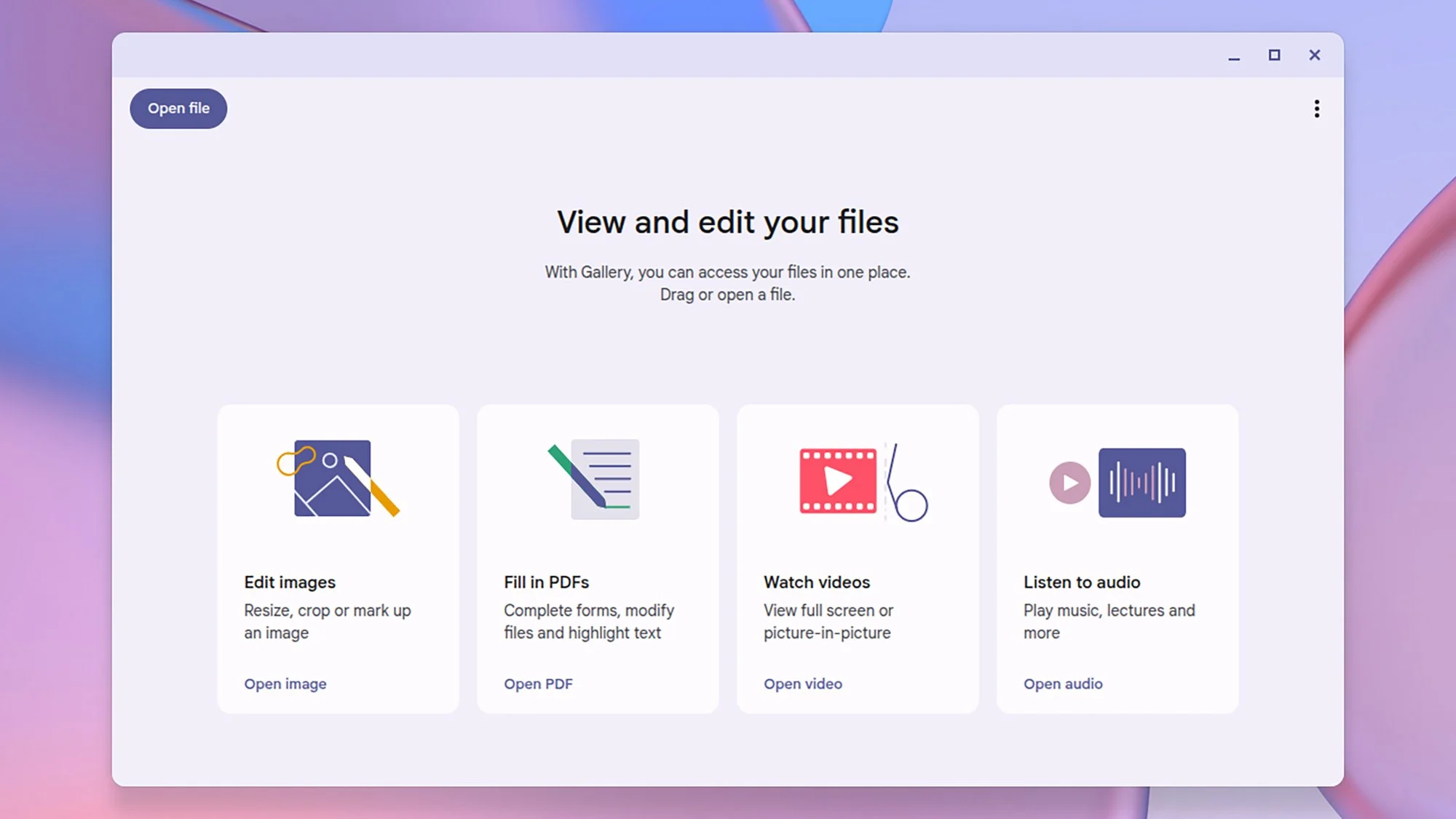
The Gallery app encapsulates a variety of functionalities—acting as an image viewer, video player, audio player, and basic PDF editor. While the tools may seem basic at first glance, their offline capabilities make them practical for professional use. Image editing features allow for essential modifications such as cropping and annotating, while the PDF editing options cater to frequently encountered document needs. The introduction of AI-powered document summaries is an interesting addition that aligns with trends in automation and efficiency, streamlining workflows and enhancing productivity.
Future Implications
The arsenal of built-in applications on Chromebooks, especially with the Chromebook Plus series, points to Google's broader strategy to capture and retain a diverse user base in a competitive market. These tools are not just enhancements; they're indicative of a fundamental shift in how users will interface with cloud-based resources. As AI continues to seep into everyday applications, professionals can expect an increasingly integrated user experience that transcends traditional boundaries of device functionality.
For anyone invested in the tech or education sectors, understanding this shift is imperative—not just for product selection but for anticipating how they can better serve their own users. As Chromebooks continue to expand their capabilities, they’re not merely a cost-effective solution but potentially a catalyst for deepening engagement and productivity across various workflows.