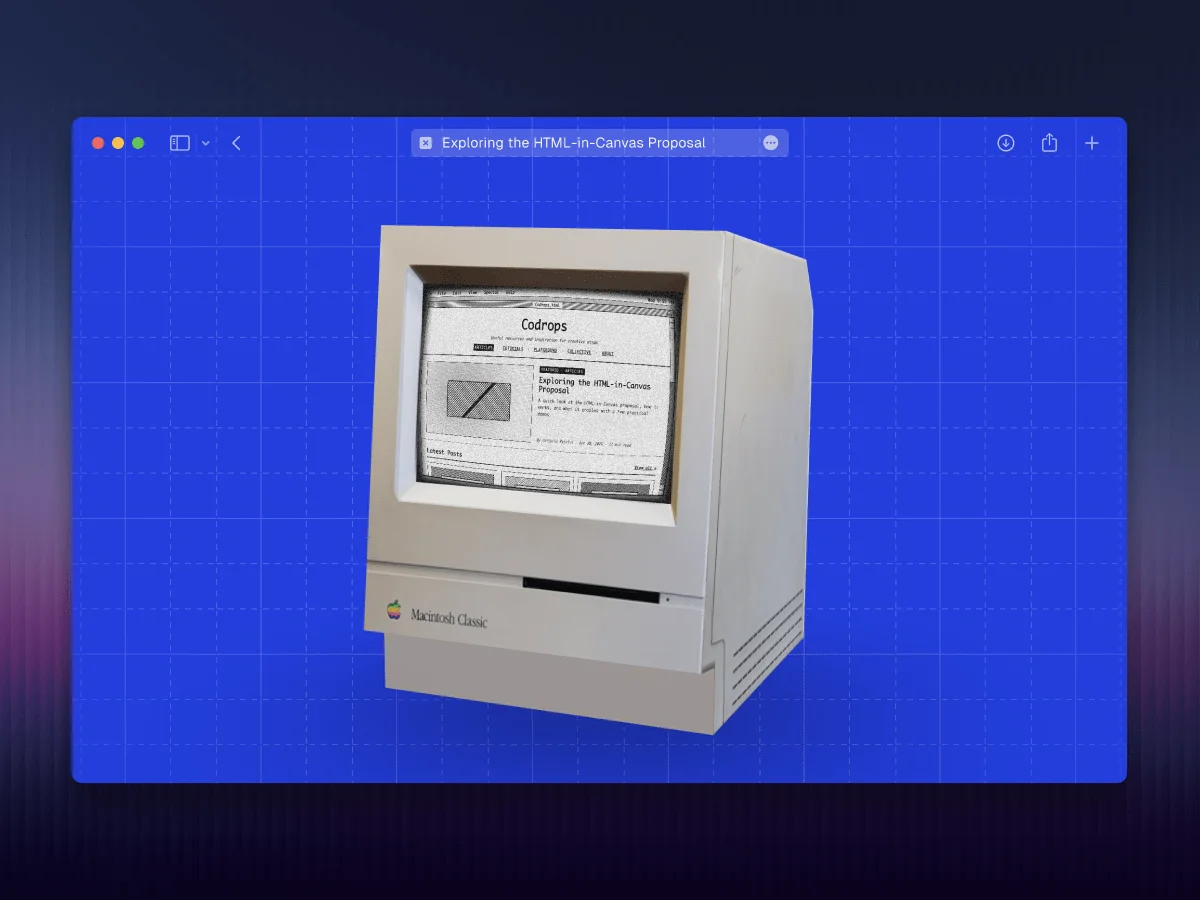
The following demos are built around an experimental feature that is currently gated. You can activate it by heading to
chrome://flags/#canvas-draw-elementin any modern Chromium-based browser. If you can't find the flag, testing it on Chrome Canary is worthwhile.
There's been a surge of attention on social media regarding a compelling new proposal from the Web Incubator Community Group (WICG). This initiative aspires to blend traditional HTML elements with the Canvas API, a development that I'm quite enthusiastic about. My interest piqued back in 2024 when I first encountered a tweet hinting at this idea, prompting me to explore its potential.
Understanding the Challenge
The web has long maintained a distinct divide between two approaches for rendering content: the user-friendly structure of HTML and the pixel-perfect customization of the canvas. Developers relied on HTML for accessible user interfaces and sweeping CSS capabilities, while resorting to canvas for applications needing meticulous control over visual output—think games or complex visual effects.
Unpacking the Proposal
The HTML-in-Canvas proposal aims to bridge this gap. It suggests a way for the <canvas> element to render genuine HTML content directly while maintaining essential advantages from the DOM, such as proper layout, accessibility, and CSS styling.
At the heart of this API are three dynamic elements:
- A
layoutsubtreeattribute, which allows canvas children to participate in layout calculations. - A
drawElementImage()function for putting child elements onto the canvas. - A
paintevent that triggers whenever any child element undergoes changes.
Here’s how the API might function:
<canvas layoutsubtree id="source">
  <div id="content">
    {...content}
  </div>
</canvas>
const canvas = document.getElementById("source");
const content = document.getElementById("content");
const ctx = canvas.getContext("2d");
canvas.onpaint = () => {
ctx.reset();
ctx.drawElementImage(content, 0, 0);
};
canvas.requestPaint();Currently, access to this feature requires enabling a flag. If you want to try it out, visit
chrome://flags/#canvas-draw-elementin a Chromium-based browser. If the flag is missing, you may need to use Chrome Canary for testing.
This proposal has some restrictions regarding what can be rendered, due to security considerations. However, these limitations are much less constraining compared to existing alternatives. It’s recommended to view the full specification, especially the section on privacy-preserving painting.
Testing Out the Concept
As I began to play around with this proposal, I couldn't help but wonder about its implications for the future web experience. This isn't just about creating flashy interactions—it's about unlocking new functionalities and enhancing user experiences. I categorized my ideas into four distinct areas.